Infrastructure & Automation

Software Automation Services for Engineering Teams

We build the RPA bots, scheduled jobs, data pipelines and test suites that remove manual, error-prone engineering work.

NDA on request · Free, no-obligation estimate · Reply within one business day

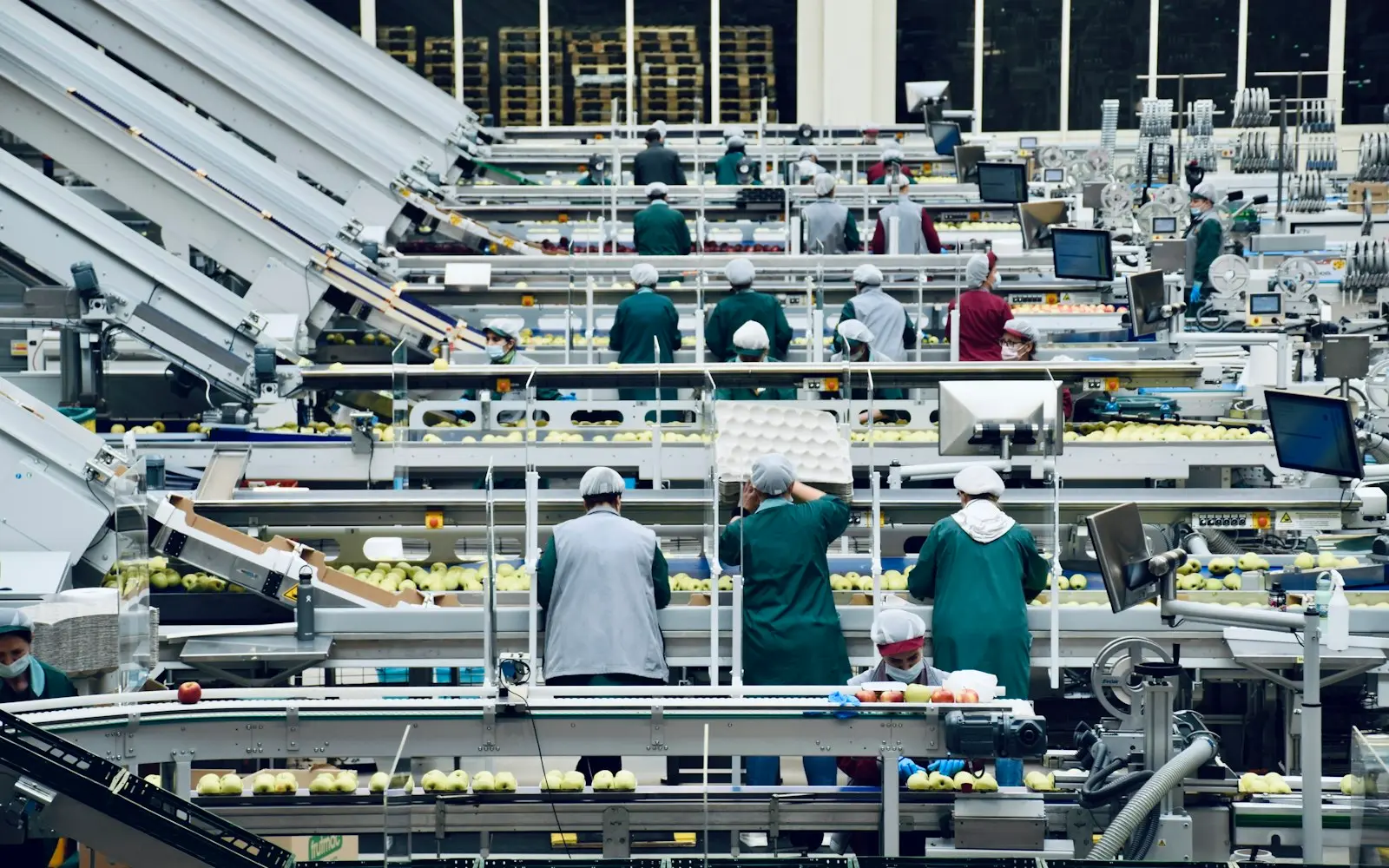
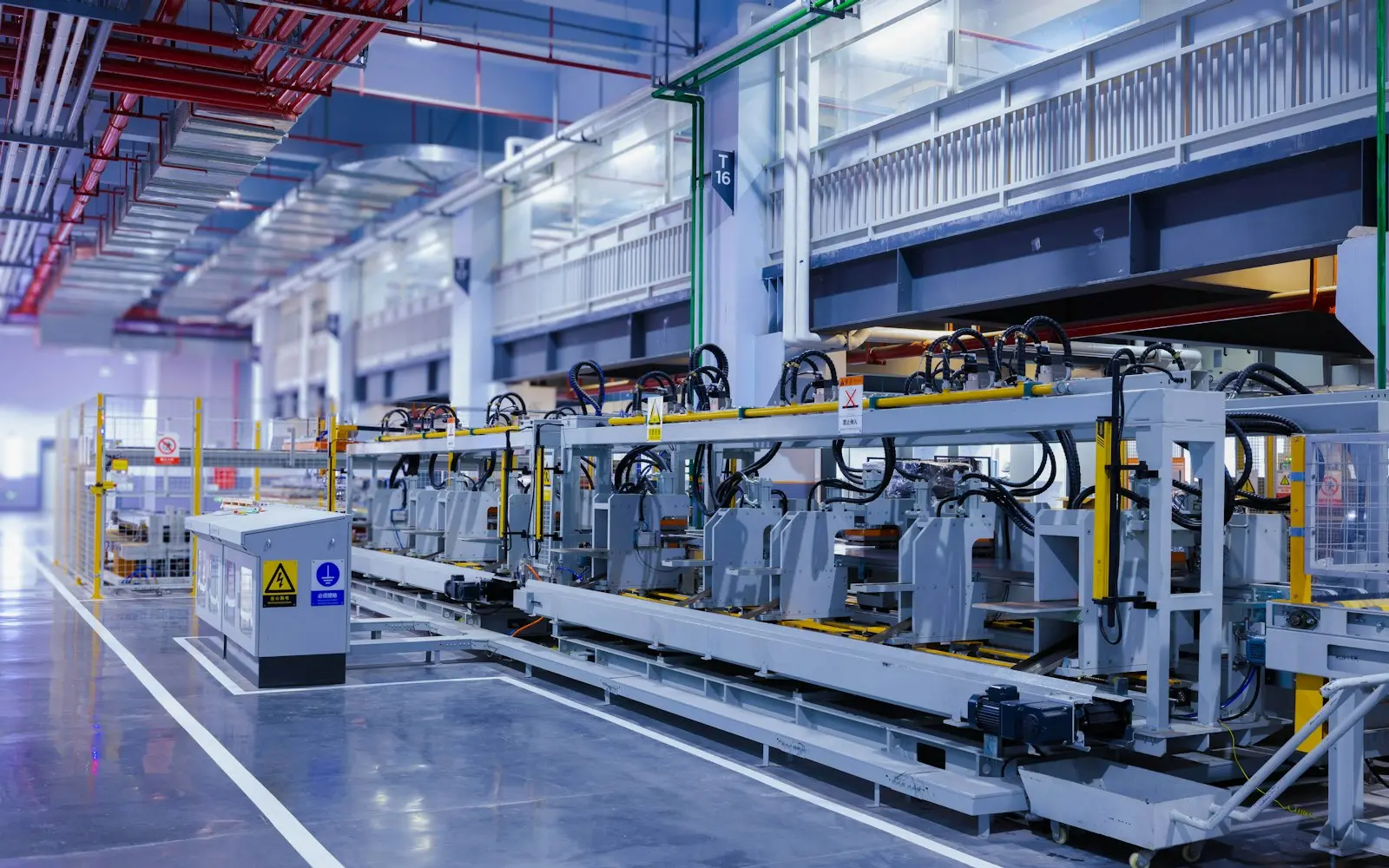
Workers along an automated conveyor line in a bright packing facility
NDA before discovery
You own the code and IP on payment
Code in your repository from day one
A working demo every two weeks
Senior engineers do the work
How we work

Every engineering team has a handful of processes that still run by hand: a CSV exported and uploaded every Monday, a release tested by clicking through the app for two days, a data transfer that only happens because someone remembers to run the script. This is engineering-led automation: RPA bots for systems without an API, scheduled jobs and scripts that replace the manual steps, ETL pipelines that move and transform data reliably, and test and release automation that turns a two-day manual release into a repeatable pipeline.

The difference between an automation that lasts and one that breaks in a month is usually monitoring: a bot with no failure alerting doesn't fail gracefully, it fails silently, and someone finds out when a downstream report is empty. We build monitoring and alerting into every automation from the start, version the scripts in your repository instead of leaving them on someone's laptop, and prioritize by which manual process is both frequent and risky enough to be worth automating first.

This is engineering-driven automation of scripts, pipelines and tests. For operations-led workflow automation on tools like n8n, Make or Zapier, measured in manual hours removed, see business automation.

What we deliver

Software Automation services

  • RPA Bot Development

    Bots that interact with systems that have no usable API, built with error handling for the layout and login changes that break naive automation, and monitoring that flags a failure instead of hiding it.

  • Scheduled Jobs and Script Automation

    Replacing manual, recurring tasks with versioned scripts on a schedule, moved out of individual laptops and into infrastructure your whole team can see and maintain.

  • ETL and Data Pipeline Development

    Pipelines that extract, transform and load data between systems reliably, with validation steps that catch a malformed record before it reaches a downstream report.

  • Test Automation

    End-to-end and regression test suites built for the flows most likely to break, integrated into your CI pipeline so a release is blocked automatically when a test fails.

  • Release Automation

    Automated build, test and deployment steps replacing a manual release checklist, with rollback built in so a bad release is a quick revert rather than an overnight incident.

  • Automation Monitoring and Failure Alerting

    Alerting on every automated process so a failure surfaces as a notification to the team, not as a missing report or an angry customer days later.

  • Legacy Script Consolidation

    Bringing scattered scripts from individual machines into a shared, version-controlled, scheduled system, so the process survives someone leaving the team.

You receive

Deliverables

  • Automation scripts or bots committed to version control
  • Scheduling and monitoring configuration
  • A test suite integrated into your CI pipeline
  • A data pipeline with validation and error handling
  • Failure alerting configured to notify the right people
  • Documentation for maintaining and extending each automation

How we work

Our software automation process

  1. Map Manual and Scripted Processes

    We inventory the manual steps and existing scripts already in use, including the ones only one person knows how to run.

  2. Prioritize by Risk and Frequency

    Processes that run often and carry real risk if they fail get automated first, ahead of ones that are annoying but low-stakes.

  3. Build and Test Automation

    Each automation is built with error handling for the ways the source system is likely to change, not just the happy path.

  4. Add Monitoring and Alerts

    Every automation ships with a way to detect and alert on failure, so a silent break becomes a visible notification instead.

  5. Run in Parallel With Manual Process

    New automation runs alongside the existing manual process for a defined period, so results can be compared before the manual step is retired.

  6. Cut Over and Document

    Once results match, the manual process is retired and the team gets documentation covering how the automation works and what to do if it fails.

Why RPA Bots Break and How to Build Ones That Don't

Most RPA bots fail the same way: they're built against a specific screen layout, and the first time a vendor redesigns their login page or moves a button, the bot clicks the wrong thing or nothing at all. Without monitoring, that failure is invisible until someone notices the downstream effect, often days later.

We build bots with explicit checks for the elements they depend on, so a layout change produces a clear alert instead of a silent wrong action, and we add monitoring that flags a failed run immediately rather than relying on someone to notice a missing result.
Test Automation That Actually Gets Maintained

A test suite that nobody updates becomes a source of noise: tests fail for reasons unrelated to real bugs, and the team starts ignoring red builds. We build test automation around the flows that actually matter to the business, keep the suite integrated into CI so failures are caught before release, and design tests to be resilient to minor UI changes that shouldn't count as failures.

Teams that treat test automation as a one-time project instead of ongoing maintenance usually end up back at manual testing within a year. We hand over a suite structured so maintaining it fits into the normal development workflow.

  • Test suites integrated into CI, not run manually before release
  • Coverage focused on the flows that matter most to the business
  • Tests resilient to minor UI changes that aren't real regressions
  • Ownership and maintenance responsibility handed over clearly

Moving From Scattered Scripts to a Scheduled, Monitored Pipeline

Scripts that live on individual laptops share the same failure mode: they only run when that person remembers, and they disappear when that person leaves. Consolidating them into a scheduled, version-controlled pipeline removes both risks at once.

The consolidation work itself is usually straightforward once the scripts are inventoried; the harder part is agreeing on ownership, since a script nobody scheduled deliberately usually also has no clear owner. We assign that ownership explicitly as part of the handover.

Technology

Technologies we use

Budget

What drives cost and timeline

  • Number of processes to automate

    One well-scoped script is a small project; consolidating a dozen scattered manual processes across several systems is a larger one.

  • Fragility of source systems

    Automating against a stable API costs less than automating against a vendor's UI that changes its layout without notice.

  • Test coverage required

    A smoke test suite for critical flows is a smaller build than comprehensive regression coverage across an entire application.

  • Data volume for pipelines

    Pipeline design and infrastructure costs scale with how much data moves through them and how often.

  • Monitoring and alerting depth needed

    Simple failure notifications cost less to build than a full dashboard tracking success rate and performance trends over time.

Compliance

Standards we design and build to

None of these is a certification or attestation held by this agency. They are the standards we design and build client systems to, so your own audit or assessment starts from a sound base.

  • GDPR / UK GDPR

    Personal data handled on a lawful basis, with data minimisation and a documented retention policy.

  • HIPAA safeguards

    Administrative, physical and technical safeguards applied where a system touches protected health information.

  • PCI DSS scope reduction

    Card payment flows tokenised through a certified processor so cardholder data never touches your systems.

  • SOC 2 readiness

    Access control, change management and audit logging built in from day one, ready for a client's own SOC 2 audit.

  • WCAG 2.2 AA

    Keyboard navigation, colour contrast and screen-reader labelling checked against the AA success criteria.

  • OWASP ASVS

    Authentication, session handling and input validation reviewed against the Application Security Verification Standard.

We list certifications only when they are real and current. See our security practices →

FAQ

Software Automation FAQs

What's the difference between RPA and a script you'd write for us?

RPA bots interact with a system's user interface when there's no usable API, simulating clicks and keystrokes. A custom script talks directly to an API or database when one is available, which is generally more reliable. We use RPA specifically for the systems that leave no other option.

Can you automate exports from a system that doesn't have an API?

Yes, using RPA to interact with the system's interface directly. We build in checks against the specific elements the bot depends on, so a layout change produces a clear alert rather than a silent failure, and we monitor every run so a break is caught quickly.

How do you stop an automation from silently failing when a vendor changes their site?

Every automation we build includes monitoring that alerts the team on failure, not just on success. Combined with explicit checks against the specific page elements a bot depends on, a layout change produces a visible notification instead of a bot quietly clicking the wrong thing.

Can you build test automation for an app that currently has no automated tests?

Yes. We start by identifying the flows that matter most to the business and are most likely to break, build coverage there first, and integrate the suite into your CI pipeline so it runs automatically before every release rather than depending on someone remembering to run it.

How do you decide which manual processes to automate first?

We weigh frequency against risk: a process run daily that's also error-prone or high-stakes if it fails gets priority over something run rarely with low consequences. That ordering usually produces a clearer return on the first automations than tackling whatever is most annoying.

Can automated data pipelines run on a schedule we control?

Yes. Pipelines are built with configurable scheduling, so they can run hourly, nightly or on whatever cadence matches how the downstream system consumes the data, and the schedule itself lives in version control rather than a setting only one person knows how to change.

Get an estimate for your software automation project

Share a few details about your project. A senior engineer reviews every request and replies with next steps, questions, and a rough budget range.

Get a free project estimate