Infrastructure & Automation

Business Process Automation Services for Operations Teams

We build approval, onboarding and invoice workflows on n8n, Make, Zapier or Power Automate, with custom code where the connector stops.

NDA on request · Free, no-obligation estimate · Reply within one business day

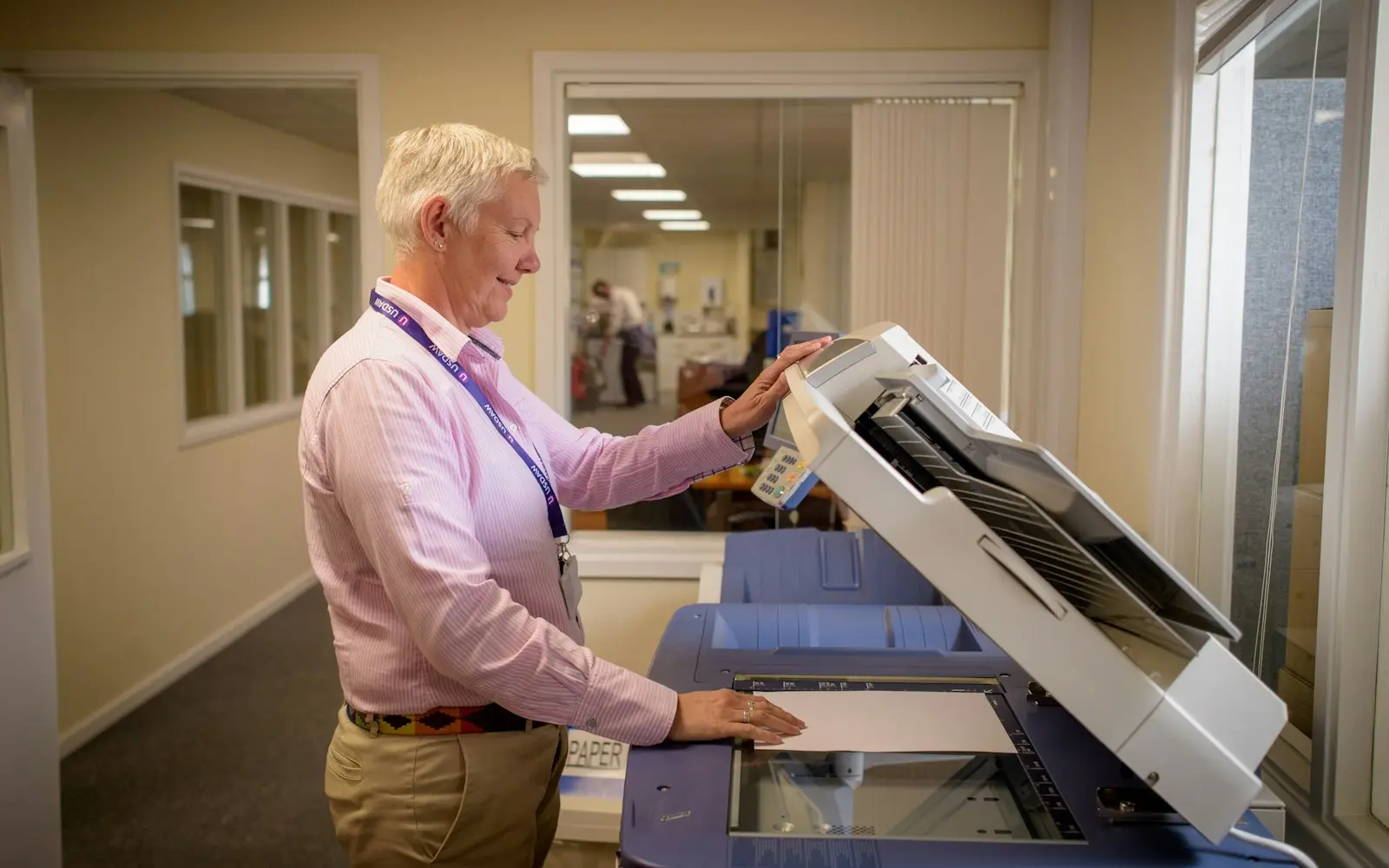
Office worker placing paperwork on a document scanner in a bright corridor
NDA before discovery
You own the code and IP on payment
Code in your repository from day one
A working demo every two weeks
Senior engineers do the work
How we work

Most operational drag comes from a process that depends on someone remembering to do a repetitive task: chasing a purchase approval stuck in an inbox, retyping the same vendor name across four tools, checking three systems to answer one customer's order status question. We build these workflows on the platform that fits, n8n, Make, Zapier or Power Automate, and write custom code for the parts a native connector can't handle.

We measure the result the way operations teams actually think about it: hours of manual work removed per process, per week. That number comes from mapping the current process before automating it, not from a vendor's marketing claim about what the platform can theoretically do. A workflow that saves two hours a week for one team is worth building differently than one that saves twenty hours a week across five.

This is operations-led automation of business processes: approvals, onboarding, invoicing. For engineering-led automation of scripts, test suites and data pipelines, see software automation.

What we deliver

Business Process Automation services

  • Approval Workflow Automation

    Purchase, expense and contract approvals routed automatically to the right person with reminders and escalation, replacing an inbox that requires someone to chase it manually.

  • Employee Onboarding Automation

    New-hire checklists automated across HR, IT and payroll systems, so account creation, equipment requests and paperwork trigger from a single event instead of a shared spreadsheet.

  • Invoice and Order Processing Automation

    Vendor and order data moved automatically between accounting, inventory and CRM systems, removing the manual retyping that introduces errors and delay.

  • n8n, Make, Zapier and Power Automate Implementation

    Workflow builds on whichever platform fits your existing tools and budget, including self-hosted n8n where data control or cost at scale matters more than a managed platform's convenience.

  • Custom Glue Code for Unsupported Connectors

    Code written for the systems that don't have a native connector on your chosen platform, so the workflow doesn't stop at the one tool the vendor didn't prioritize.

  • Workflow Monitoring and Exception Handling

    Alerts for when a workflow hits a case it wasn't built for, routed to a person rather than failing silently or, worse, applying the wrong action automatically.

  • Process Mapping and Time Savings Measurement

    A documented before-and-after of the manual process, with an actual hours-removed-per-week figure rather than an estimate made before the workflow existed.

You receive

Deliverables

  • A working workflow live on your chosen automation platform
  • Custom connector code for any unsupported system
  • Exception handling and alerting for edge cases
  • A documented before-and-after time measurement per process
  • Handover documentation so your operations team can maintain the workflow
  • A rollback plan for reverting to the manual process if needed

How we work

Our business process automation process

  1. Map the Current Manual Process

    We document every step of the process as it actually runs today, including the workarounds and exceptions that never made it into any official documentation.

  2. Identify Manual Hours Removed Per Run

    We estimate the time each manual step currently takes, so the value of automating it is measured against a real baseline.

  3. Choose the Automation Platform

    We recommend n8n, Make, Zapier or Power Automate based on which systems the workflow needs to touch and whether self-hosting or a managed platform fits your budget better.

  4. Build Workflow and Custom Connectors

    The workflow is built on the chosen platform, with custom code added for any system the platform's native connectors don't support.

  5. Run Alongside the Manual Process

    The new workflow runs in parallel with the existing manual process for a defined period, so its output can be checked against what a person would have produced.

  6. Cut Over and Train the Team

    Once results match, the manual process is retired and the operations team is trained on how to monitor and adjust the workflow going forward.

Measuring Hours Removed Before Automating the Wrong Process

It's tempting to automate whichever process is most annoying right now, but the process worth automating first is the one where manual time and error risk multiply across the most runs per week. We map the current process and estimate that baseline before recommending anything, so the automation targets a process where the hours actually add up.

A process that takes five minutes but runs fifty times a day removes more hours than one that takes two hours but runs once a month. Getting that comparison right up front avoids spending a build budget on the wrong workflow.

When a No-Code Connector Isn't Enough

Zapier, Make and Power Automate cover the most common systems well, but a workflow that needs to touch an internal tool, a legacy system or a less common vendor often hits a gap the native connector doesn't fill. That's where custom code comes in, called from within the same workflow rather than replacing it.

The practical approach is usually a hybrid: the no-code platform handles the parts it's built for, and custom code handles the one or two steps it can't, so the operations team can still see and adjust most of the workflow without touching code.

  • Native connectors used wherever they cover the system reliably
  • Custom code added only where a connector genuinely doesn't exist
  • Operations team retains visibility into the overall workflow

Keeping a Workflow Running When a Vendor Changes Their Form

A workflow built against a specific field name or form layout breaks the moment a vendor renames a field or restructures a form, and the failure often shows up as a silent gap rather than an error message. We build workflows with validation steps that catch a missing or unexpected field and alert a person, instead of letting a malformed record flow through or the whole workflow stop without anyone noticing.

That alerting is what turns an automation from a fragile shortcut into something an operations team can actually depend on.

Technology

Technologies we use

Budget

What drives cost and timeline

  • Number of systems touched

    A workflow connecting two systems with native connectors is simpler than one spanning five systems, several without any connector at all.

  • Native connector availability

    Systems with a native connector on the chosen platform integrate quickly; systems without one need custom code, which adds build time.

  • Approval and exception logic complexity

    A simple linear approval chain costs less to build than one with conditional routing, multiple approvers and escalation rules.

  • Volume of runs per week

    High-volume workflows need more attention to performance and rate limits on the platforms and systems involved than a workflow that runs a handful of times a day.

  • Platform licensing

    Self-hosted n8n has different cost dynamics than per-task pricing on Zapier or Make, and the right choice depends on expected volume over time.

Compliance

Standards we design and build to

None of these is a certification or attestation held by this agency. They are the standards we design and build client systems to, so your own audit or assessment starts from a sound base.

  • GDPR / UK GDPR

    Personal data handled on a lawful basis, with data minimisation and a documented retention policy.

  • HIPAA safeguards

    Administrative, physical and technical safeguards applied where a system touches protected health information.

  • PCI DSS scope reduction

    Card payment flows tokenised through a certified processor so cardholder data never touches your systems.

  • SOC 2 readiness

    Access control, change management and audit logging built in from day one, ready for a client's own SOC 2 audit.

  • WCAG 2.2 AA

    Keyboard navigation, colour contrast and screen-reader labelling checked against the AA success criteria.

  • OWASP ASVS

    Authentication, session handling and input validation reviewed against the Application Security Verification Standard.

We list certifications only when they are real and current. See our security practices →

FAQ

Business Process Automation FAQs

Should we automate this on n8n, Make, Zapier or Power Automate?

It depends mainly on which systems the workflow needs to touch, your budget model and whether you need to self-host for data control. We compare the options against your specific systems and expected volume rather than defaulting to one platform, and recommend accordingly.

How many manual hours a week can automating our invoice process actually remove?

That depends on how many invoices you process and how much manual retyping and checking each one currently takes, which we measure before building anything. Rather than quote a generic figure, we document your current process's time cost first so the number reflects your actual volume.

Can you connect a system that doesn't have a native Zapier or Make integration?

Yes, through custom code called from within the same workflow. The no-code platform still handles the parts it supports natively; the custom piece covers only the system without a connector, so the operations team keeps visibility into most of the process.

What happens when the workflow hits an exception it wasn't built for?

It alerts a person rather than guessing or failing silently. We build validation steps that catch a missing field, an unexpected format or a case the workflow doesn't recognize, and route that specific case to someone who can handle it manually.

Is n8n better than Zapier if we want to self-host?

Self-hosted n8n gives you more control over data and can be more cost-effective at high volume, since it isn't priced per task the way Zapier is. It also requires your team to maintain the hosting. We weigh that trade-off against your volume and existing infrastructure before recommending one over the other.

Can you automate our employee onboarding checklist across HR, IT and payroll?

Yes. We map the current checklist across all three systems, identify which steps can trigger automatically from a single new-hire event, and build the workflow to create accounts, submit equipment requests and start payroll paperwork without someone manually repeating the same information in each tool.

Get an estimate for your business process automation project

Share a few details about your project. A senior engineer reviews every request and replies with next steps, questions, and a rough budget range.

Get a free project estimate