Design

UI/UX Design Agency for B2B and SaaS Products

Research, flows and prototypes tested against real users, handed to engineering as a working Figma design system instead of a static file.

NDA on request · Free, no-obligation estimate · Reply within one business day

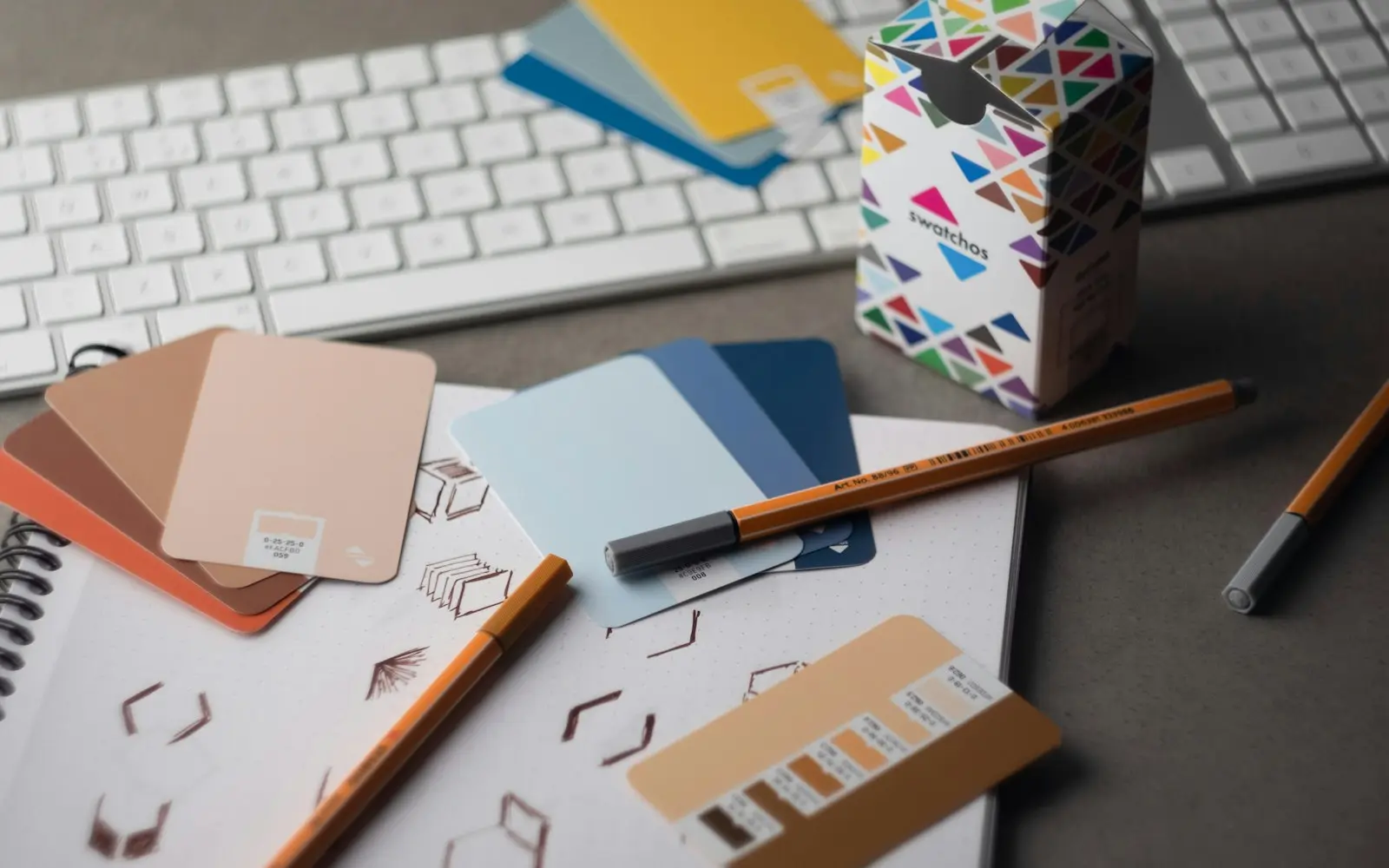
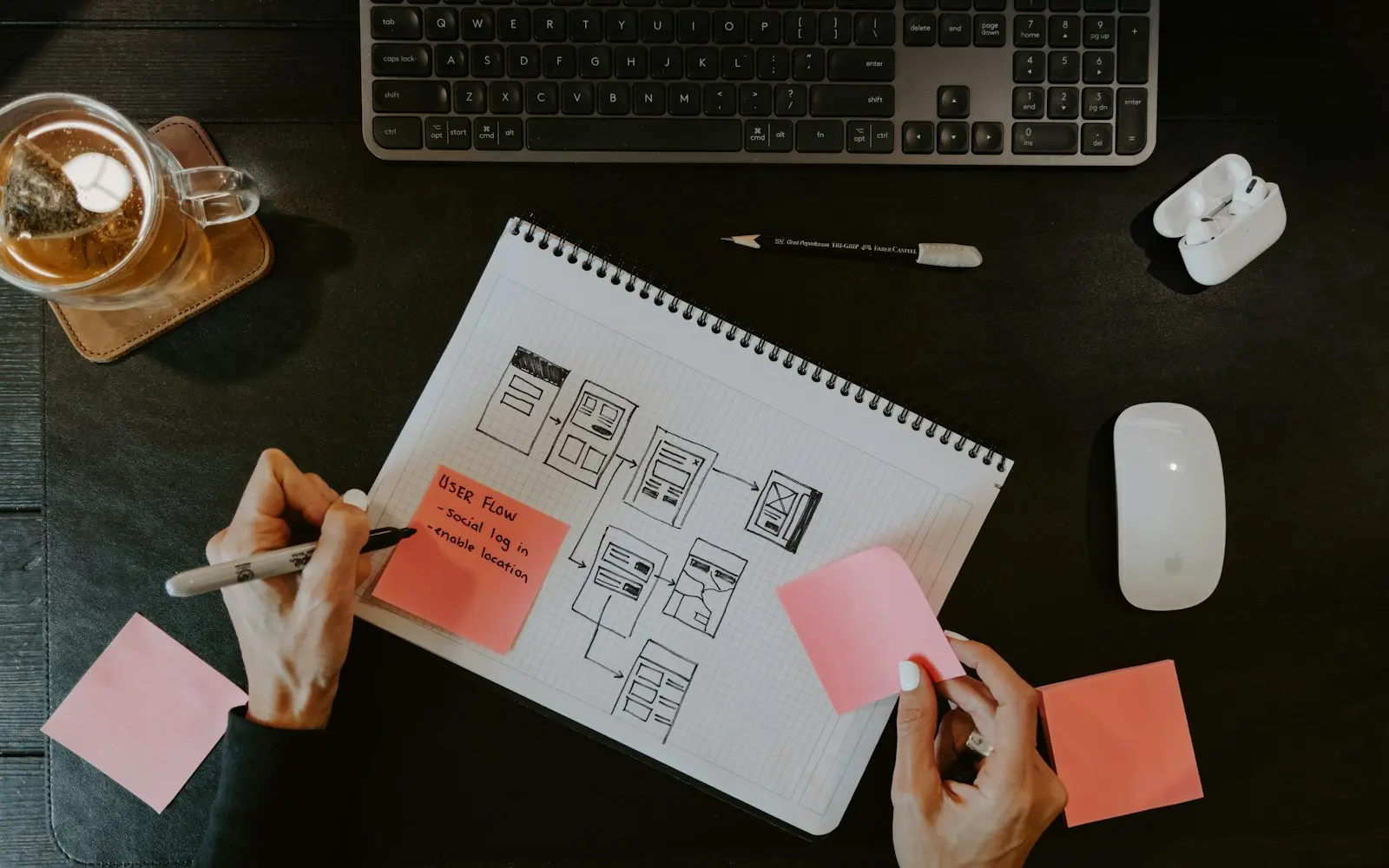
Hands sketching website wireframes in a notebook with sticky notes beside a keyboard
NDA before discovery
You own the code and IP on payment
Code in your repository from day one
A working demo every two weeks
Senior engineers do the work
How we work

Our ui ux design agency work starts the way our engineering work does: a defined problem, a testable idea about how to fix it, and a plan for checking whether the design actually works before it ships. We map the flows a user takes through a product, prototype the screens that matter most, and run usability sessions with people who match the target audience rather than internal staff.

Most of our design engagements sit inside a larger software build. A product lead comes to us with a roadmap, and design has to move at the pace of sprints rather than arrive as a finished file two months later. We build the Figma library out of components that map onto the front-end framework the engineering team is using, usually React or Next.js, so the handoff reads as a shared structure rather than a translation exercise for a developer to interpret.

The focus is product design for software people use every day; marketing collateral sits under our graphic design service. Ads, decks and social graphics sit with our graphic design team; naming and identity work sits with branding. UI/UX design is the discipline of making a product's screens usable across the states and edge cases a real user will actually hit, including the ones that never show up in a polished demo.

What we deliver

UI/UX Design services

  • Product research

    Stakeholder interviews, a review of existing analytics and a competitor teardown before a single screen gets drawn, so decisions trace back to evidence rather than a strong opinion in a meeting.

  • User flows and information architecture

    Mapping how a user actually moves through a feature, including the empty states, errors and permission cases that a rushed design skips over entirely.

  • Wireframes and clickable prototypes

    Low-fidelity layouts for early structural decisions, then interactive Figma prototypes a client can click through and a test participant can react to before code exists.

  • Design systems

    A component library in Figma with tokens for color, type and spacing, documented well enough that a growing product stays visually consistent as more screens get added by more people.

  • Usability testing

    Moderated sessions with people who match the target user, recorded and reviewed, to catch confusion while it is still cheap to fix rather than after launch.

  • Design-to-code handoff

    Specs, redlines and component documentation built for the framework the engineering team is actually shipping in, not a generic export nobody on the team can use.

  • Accessibility review

    Contrast ratios, keyboard navigation and screen-reader labeling checked against WCAG 2.2, so accessibility is designed in from the first component rather than patched in later.

You receive

Deliverables

  • Figma design system with documented components and tokens
  • Interactive prototypes for the key user flows
  • Usability test recordings and a written findings report
  • Annotated developer handoff specs mapped to your front-end framework
  • Accessibility review against WCAG 2.2
  • Style guide covering color, type, spacing and iconography

How we work

Our ui/ux design process

  1. Discovery and research

    We review analytics, support tickets and any prior research, then interview stakeholders and, where possible, current users, to find where the product is actually failing people rather than guessing.

  2. Flows and architecture

    We map every path a user takes through the feature, including error states and permission edge cases, before visual design starts on any screen.

  3. Wireframes

    Low-fidelity layouts get stakeholder sign-off on structure and content before we invest time in visual polish that might still change.

  4. Prototyping

    Interactive Figma prototypes let a client click through the real flow and catch problems while changes are still inexpensive to make.

  5. Usability testing

    We run moderated sessions with recruited participants matching the target profile and revise the design against what we actually observe them do.

  6. Design system and developer handoff

    Approved screens become a documented Figma library with tokens, states and component variants, handed to engineering with specs mapped to the framework in use.

Why the design system ships as code

A Figma file that never gets implemented consistently is one of the most common failure points in a growing product team. One engineer builds a button one way, another builds it slightly differently under deadline pressure, and the product drifts from its own documentation within a few sprints.

We address this by defining the component library in Figma with the same structure and naming the front-end codebase will use, typically React or Next.js with TypeScript. When engineering implements a component, it maps directly onto the design token names, so a later design change updates one source of truth instead of triggering a manual search across the app.

  • Figma component libraries mapped to React or Next.js props
  • Design tokens exported for direct use in code
  • Shared naming between Figma layers and component code

Usability testing that still changes the design

Usability testing is often treated as a formality: a handful of sessions late in a project, run to confirm decisions that are already locked in and expensive to reverse.

We schedule testing earlier, against prototypes rather than finished builds, specifically so findings can still change the direction of the work. Sessions are recorded and reviewed with the client, and each finding is tied to a specific screen or interaction rather than left as a general impression that is hard to act on.

Technology

Technologies we use

Budget

What drives cost and timeline

  • Number of screens and flows

    A five-screen onboarding flow costs less to design and test than a twenty-screen admin dashboard with role-based permissions and multiple user types.

  • Existing design system

    Extending a component library your team already has is faster than starting one from a blank Figma file with no naming conventions in place.

  • Usability testing depth

    Moderated sessions with recruited outside participants take more planning and analysis time than a lightweight internal review with your own staff.

  • Platform count

    A responsive web app is a narrower scope than the same product designed separately for web, iOS and Android with platform-specific patterns.

Compliance

Standards we design and build to

None of these is a certification or attestation held by this agency. They are the standards we design and build client systems to, so your own audit or assessment starts from a sound base.

  • GDPR / UK GDPR

    Personal data handled on a lawful basis, with data minimisation and a documented retention policy.

  • HIPAA safeguards

    Administrative, physical and technical safeguards applied where a system touches protected health information.

  • PCI DSS scope reduction

    Card payment flows tokenised through a certified processor so cardholder data never touches your systems.

  • SOC 2 readiness

    Access control, change management and audit logging built in from day one, ready for a client's own SOC 2 audit.

  • WCAG 2.2 AA

    Keyboard navigation, colour contrast and screen-reader labelling checked against the AA success criteria.

  • OWASP ASVS

    Authentication, session handling and input validation reviewed against the Application Security Verification Standard.

We list certifications only when they are real and current. See our security practices →

FAQ

UI/UX Design FAQs

How is UI/UX design different from web design?

Web design usually means the visual layout of a marketing site. UI/UX design is the process behind a product's screens: research, information architecture, flows, prototyping and testing, aimed at software people use repeatedly rather than a page they read once. The output is a tested design system, not a single page layout, and it feeds directly into an engineering sprint rather than a site launch.

Do you design in Figma or another tool?

Figma, for both the design work and the handoff. It lets us build a shared component library, run design reviews with a client's whole team in one file, and export specs and tokens that map onto a React or Next.js codebase. We will work in another tool if a client's existing design system requires it, but Figma is the default.

Can you redesign an existing product without a full rebuild?

Yes. Most engagements start from an existing product with real users and known pain points. We audit the current screens against usability and accessibility issues, prioritize the flows causing the most support tickets or drop-off, and redesign those first, so engineering ships improvements incrementally instead of waiting on a full rewrite.

How many rounds of usability testing do we need?

It depends on how much is unproven. A new onboarding flow for a product with no prior data usually needs at least two rounds, one on a low-fidelity prototype and one closer to final visual design. A smaller change to an already-tested flow may only need one round to confirm the fix works.

Who owns the Figma files and design system after the project ends?

You do. The Figma workspace, component library and every source file transfer to your account, along with documentation for how the system is structured, so your team or a future design hire can extend it without starting over.

Do you design for accessibility by default?

Yes, against WCAG 2.2. Contrast ratios, keyboard navigation, focus states and screen-reader labeling are built into the component library rather than checked at the end, since retrofitting accessibility into an already-built interface costs more than designing it in from the first screen.

What do you need from us to start a design engagement?

Access to current analytics and any support or user feedback you have collected, a list of the stakeholders who need to review and approve design, and, where one exists, access to the current product so we can use it the way a real user would before proposing changes.

Get an estimate for your ui/ux design project

Share a few details about your project. A senior engineer reviews every request and replies with next steps, questions, and a rough budget range.

Get a free project estimate