Core Software

Custom Software Development Company for Operations Off-the-Shelf Tools Can't Fit

We build software around the processes your business already runs on, so operations stop depending on spreadsheets, workarounds and tools that were never built for your workflow.

NDA on request · Free, no-obligation estimate · Reply within one business day

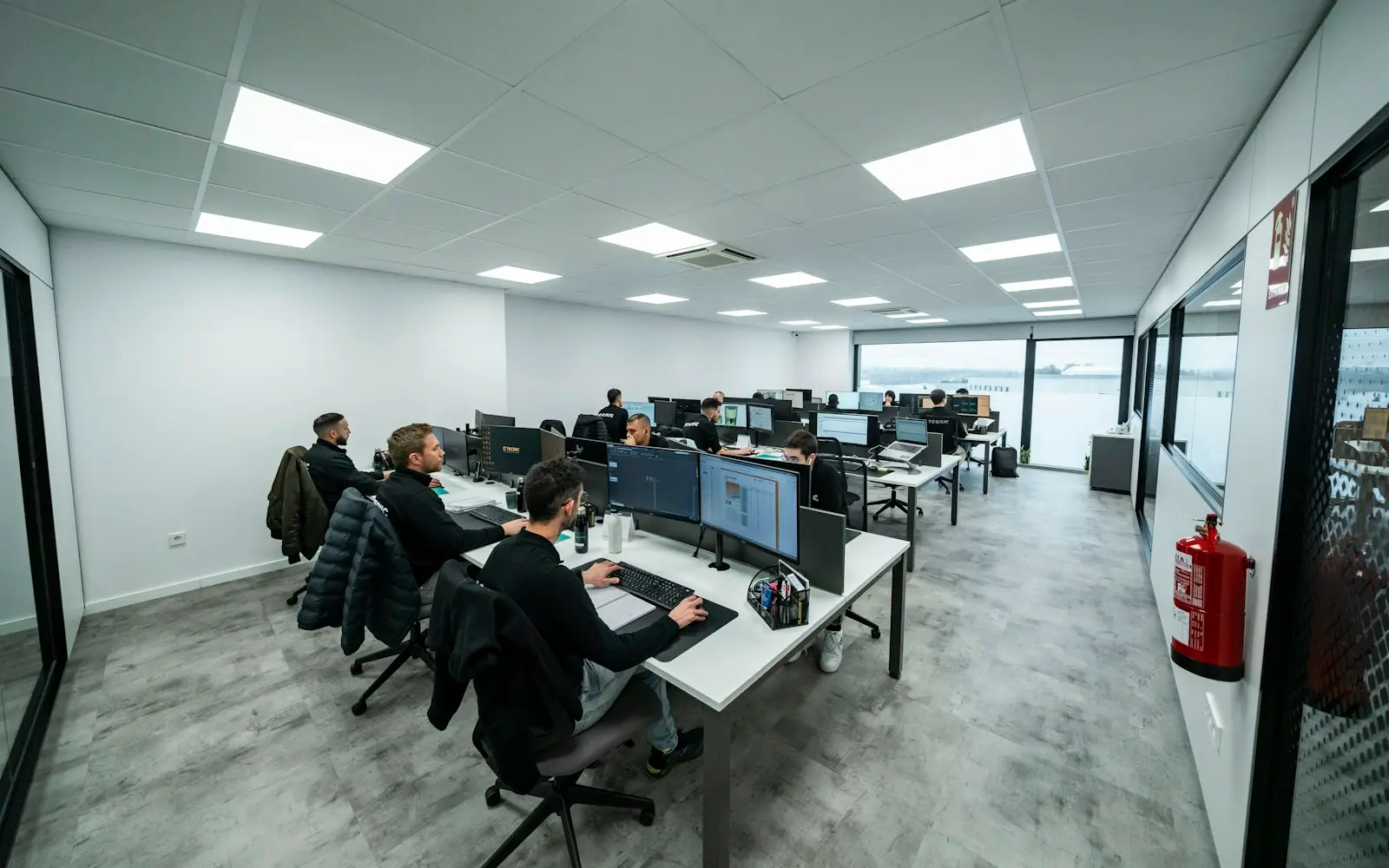
Developers working at rows of monitors in a bright open office
NDA before discovery
You own the code and IP on payment
Code in your repository from day one
A working demo every two weeks
Senior engineers do the work
How we work

Every growing company reaches a point where its operations run on a patchwork: a spreadsheet somebody built five years ago, a SaaS tool bent into a shape it was never designed for, and a handful of people who know which cell not to touch. As a custom software development company, we build systems around how your business actually operates instead of asking your operation to adapt to generic software.

That means starting from the process, not the feature list: how approvals move through your organization, where data currently lives, which steps are manual because nobody has had time to automate them, and what breaks when volume doubles. The software we deliver runs on web, mobile, desktop or backend, whichever surface the people using it actually need, and it is built to be maintained by your team or ours long after launch.

The goal is software that removes a bottleneck a spreadsheet or an ill-fitting SaaS tool created, not a rebuild for its own sake. We are direct about when a configuration change to an existing tool would solve the problem faster than a new build.

What we deliver

Custom Software Development services

  • Business Process Software

    Applications built around a specific operational workflow, such as order approvals, contract routing or field reporting, replacing manual steps and spreadsheet handoffs with a system your team actually trusts.

  • Legacy System Replacement

    Rebuilding software that has become too fragile or too expensive to extend, with a migration path that keeps the business running during the cutover rather than forcing a hard stop.

  • Internal Tools and Admin Systems

    Dashboards and back-office tools for the teams who keep the business running day to day: operations, finance, support and logistics.

  • Desktop and Backend Systems

    Software that runs on internal infrastructure or as a desktop application when the work involves hardware integration, offline use or data that should not leave your network.

  • System Integration and Data Consolidation

    Connecting the tools you already run, ERP, CRM, accounting, and internal databases, so data entered once shows up everywhere it is needed instead of being re-typed.

  • Workflow and Approval Automation

    Replacing email threads and manual sign-off chains with a system that routes requests, tracks status and keeps an audit trail.

  • Modernization Assessments

    An honest evaluation of an existing system before we recommend a rebuild, including cases where extending or reconfiguring what you already have is the faster answer.

You receive

Deliverables

  • A working system deployed to your infrastructure or a cloud environment you control
  • Source code in your own repository from the first commit
  • A data migration from the spreadsheets or legacy system it replaces
  • Role-based access matched to how your teams are actually structured
  • Documentation covering architecture, data model and operational runbooks
  • An integration layer connecting the system to your existing ERP, CRM or accounting software
  • A support handover to your internal team or an ongoing maintenance arrangement

How we work

Our custom software development process

  1. Process discovery

    We map the current workflow as it actually runs, not as the org chart says it should, including the manual workarounds people rely on to get their job done.

  2. Build vs. reconfigure decision

    Before proposing a new build, we check whether reconfiguring an existing tool or integration would solve the problem at a fraction of the cost.

  3. Architecture and data model

    The data model is designed around your actual entities and edge cases, not a generic template that will need reworking within a year.

  4. Iterative build with working software

    You see a running system early and often, so process gaps surface during development instead of after launch.

  5. Migration and parallel run

    Existing data is migrated and, where the process allows it, the new system runs alongside the old one until your team trusts it.

  6. Handover and support

    We document the system and transfer operational knowledge to your team, or continue supporting it under a maintenance arrangement.

Why Off-the-Shelf Software Stops Fitting

Off-the-shelf tools are built for the median customer, which means the further your process is from that median, the more you end up working around the tool instead of with it. That shows up as spreadsheets that patch the gaps, manual exports between systems, and a growing list of steps nobody documented because they were only ever meant to be temporary.

Custom software is not automatically the right answer to this. When a configuration change, a better use of an existing platform's API, or a different off-the-shelf tool would close the gap, we say so. We build custom when the process itself is a source of advantage worth encoding in software your business owns.


Replacing a Spreadsheet Without Losing What Works

A spreadsheet that has run your operations for years usually contains more business logic than anyone remembers writing down: exceptions, approval thresholds, formulas nobody wants to touch. Replacing it well means reverse-engineering that logic before writing new code, not just copying the columns into a database.

We treat the current spreadsheet or workaround as a specification, interview the people who actually use it daily, and confirm every edge case with them before it becomes part of the new system.

  • Interviews with the people who use the current process daily, not just the manager who owns it
  • A parallel run period before the old spreadsheet or tool is retired
  • An audit trail the spreadsheet never had

Build vs Buy for Operational Software

Buying makes sense when your process matches how the market builds this category of tool and switching costs are low. Building makes sense when your process is a genuine point of differentiation, when the off-the-shelf option charges per seat for capacity you do not need, or when the integration cost of bolting three SaaS tools together exceeds the cost of one system built to do the job.

We walk through this trade-off with you before scoping any build, because the fastest project is the one we correctly talk you out of.

Budget

What drives cost and timeline

  • Number of distinct workflows

    A system that handles one approval chain costs less than one that has to model order intake, fulfillment and returns as separate but connected flows.

  • Data migration complexity

    Migrating a single clean spreadsheet is quick; consolidating years of inconsistent data across three systems takes dedicated cleanup work.

  • Integration surface

    Each additional system the software has to talk to, an ERP, a payment processor, a shipping carrier, adds its own integration and testing work.

  • Number of user roles

    Software used only by one team is simpler to build and test than a system spanning operations, finance and external partners with different permissions.

  • Deployment environment

    A cloud-hosted internal tool is generally faster to ship than software that has to run on-premises against infrastructure you control.

Compliance

Standards we design and build to

None of these is a certification or attestation held by this agency. They are the standards we design and build client systems to, so your own audit or assessment starts from a sound base.

  • GDPR / UK GDPR

    Personal data handled on a lawful basis, with data minimisation and a documented retention policy.

  • HIPAA safeguards

    Administrative, physical and technical safeguards applied where a system touches protected health information.

  • PCI DSS scope reduction

    Card payment flows tokenised through a certified processor so cardholder data never touches your systems.

  • SOC 2 readiness

    Access control, change management and audit logging built in from day one, ready for a client's own SOC 2 audit.

  • WCAG 2.2 AA

    Keyboard navigation, colour contrast and screen-reader labelling checked against the AA success criteria.

  • OWASP ASVS

    Authentication, session handling and input validation reviewed against the Application Security Verification Standard.

We list certifications only when they are real and current. See our security practices →

FAQ

Custom Software Development FAQs

How is custom software development different from buying a SaaS tool?

A SaaS tool is built for a broad market and priced per seat regardless of how much of it you use. Custom software is built around your specific process, data and edge cases, and you own it outright. It costs more upfront and is worth it when your workflow does not fit what off-the-shelf platforms assume.

Can you replace a spreadsheet we've used for years without losing our business rules?

Yes, this is one of the most common projects we take on. We treat the existing spreadsheet as a specification, interview the people who use it daily to surface the exceptions and formulas nobody wrote down, and run the new system alongside the old one until your team trusts the output.

Will you tell us if we don't actually need custom software?

Yes. If a configuration change, a different off-the-shelf tool or a better use of an integration you already have would solve the problem, we say so during discovery rather than scoping a build you do not need.

How do you handle data migration from our legacy system?

We audit the existing data for consistency issues before writing migration scripts, since old systems accumulate exceptions that break a naive import. Where the process allows it, we run the new and old systems in parallel so your team can verify the migration before the legacy system is retired.

Who owns the code and the intellectual property?

You do, from the first commit. The code lives in a repository you control, and ownership transfers to you on payment rather than being licensed back to you the way many software vendors structure it.

Do you build desktop applications or only web-based systems?

We build whichever surface the work actually requires: web, desktop or backend-only systems, including software that needs to run on internal infrastructure, work offline or integrate directly with hardware, not just browser-based applications.

How long does a custom operational system take to build?

A single-workflow internal tool typically takes eight to fourteen weeks. Systems spanning multiple departments, several integrations or a full legacy replacement usually run four to nine months, delivered in working phases so your team sees value before the whole system is complete.

Get an estimate for your custom software development project

Share a few details about your project. A senior engineer reviews every request and replies with next steps, questions, and a rough budget range.

Get a free project estimate