Engineering

Frontend Development Services for Web Products

We build and maintain the browser layer of your product: component systems, performance, accessibility and migrations off frameworks you've outgrown.

NDA on request · Free, no-obligation estimate · Reply within one business day

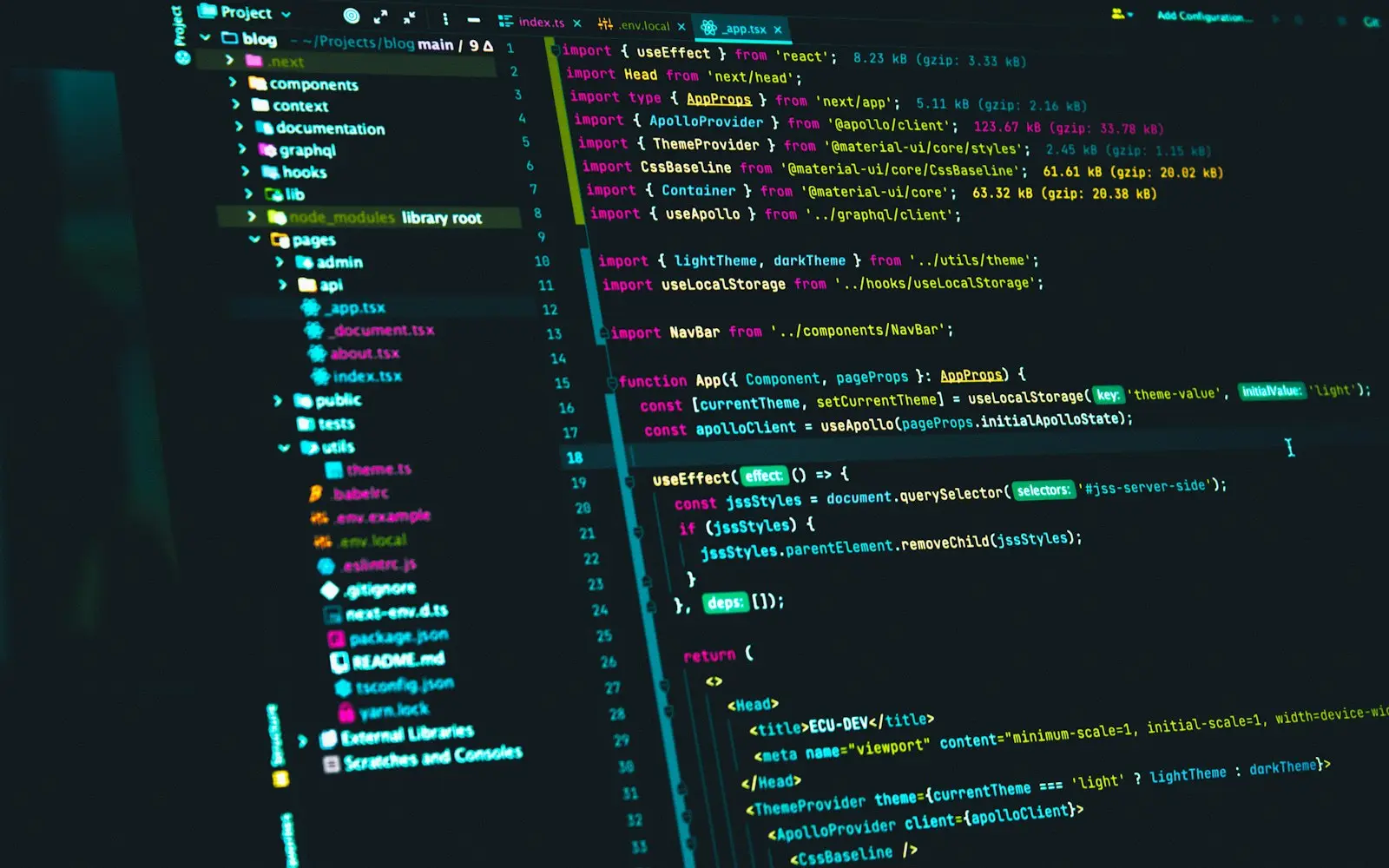
Front-end template code open in an editor on a monitor
NDA before discovery
You own the code and IP on payment
Code in your repository from day one
A working demo every two weeks
Senior engineers do the work
How we work

The frontend is the part users judge a product by, and it's usually the part that accumulates the most inconsistency: a design system that exists in Figma but never made it into code the same way twice, a Lighthouse score that keeps sliding as more gets bolted on, a jQuery section next to a React section because nobody has had time to unify them. We build and maintain that layer: component systems implemented to match the design system, performance work aimed specifically at Core Web Vitals, accessibility remediation against WCAG 2.2, and migrations off frameworks a team can no longer hire for.

Most of this work happens on a product that's already live, which means changes have to ship in phases users don't notice as disruption. A framework migration runs page by page or component by component, not as a single cutover. A performance pass gets measured against real user data, not a synthetic lab score in isolation. Accessibility fixes get verified against the specific WCAG 2.2 success criteria that apply to each component.

This covers the browser layer specifically. For the server-side logic and data behind it, see backend development or API development. For the design work itself rather than its implementation, see UI/UX design.

What we deliver

Frontend Development services

  • Component System Implementation

    Turning a Figma design system into a coded component library with consistent props, states and variants, so every engineer builds a button or a form field the same way.

  • Core Web Vitals Performance Work

    Targeted fixes for Largest Contentful Paint, Interaction to Next Paint and Cumulative Layout Shift, measured against real user data rather than a single lab score.

  • Accessibility Remediation

    Auditing and fixing against WCAG 2.2 success criteria: keyboard navigation, focus order, color contrast, screen reader labeling and the newer criteria around target size and dragging.

  • Legacy Framework Migration

    Moving a jQuery or AngularJS application to React in phases, page by page or component by component, so the product keeps shipping features during the migration instead of freezing for a rewrite.

  • State Management and Data Fetching Architecture

    A consistent approach to client-side state and server data fetching, replacing ad hoc patterns that make every new feature harder to build than the last.

  • Cross-Browser and Device Testing

    Verification across the browsers and devices your actual traffic uses, not just the one everyone develops on, with automated visual regression checks where they add value.

  • Frontend Build and Tooling Modernization

    Updating build tooling, bundling and dependency management so builds are faster and the codebase can take a new engineer without a week of onboarding just to run it locally.

You receive

Deliverables

  • A component library implemented in your repository
  • A Core Web Vitals report showing before and after measurements
  • A WCAG 2.2 audit with a prioritized list of fixes
  • A phased migration plan with rollout milestones
  • Cross-browser test coverage for your actual traffic mix
  • Updated build tooling and dependency documentation

How we work

Our frontend development process

  1. Audit the Current Frontend

    We review the existing codebase, component inconsistencies, performance metrics and accessibility gaps so the scope reflects what is actually in the codebase.

  2. Component and Design System Plan

    We map the design system to a component API that matches how the product's screens are actually assembled, before writing implementation code.

  3. Build or Migrate in Phases

    Work ships in phases users can absorb, whether that's a new component library rolled out screen by screen or a framework migration done section by section.

  4. Performance Pass

    Specific Core Web Vitals fixes are applied and measured against real user monitoring data, not just a single synthetic score.

  5. Accessibility Pass

    Fixes are verified against the actual WCAG 2.2 success criteria that apply to your product, including keyboard and screen reader testing, not just automated scanning.

  6. Handover With Documentation

    Your team gets documentation on the component library, the state management approach and how to extend both without reintroducing the original inconsistency.

Migrating Off AngularJS Without a Big-Bang Rewrite

AngularJS reached end of long-term support years ago, and finding engineers who want to work in it gets harder every year. A full rewrite sounds clean in theory but usually takes longer than expected and freezes feature work for months.

We migrate incrementally instead: running React and AngularJS side by side in the same application, converting one section or route at a time, and verifying each conversion against the existing behavior before moving to the next. The application keeps shipping features throughout, and the team keeps a working product at every step instead of a long stretch with nothing to show.


What WCAG 2.2 Actually Requires Versus What Gets Assumed

Automated accessibility scanners catch missing alt text and low color contrast, but they miss most of what actually blocks a user: a focus order that jumps illogically, a modal that traps keyboard focus, a form error that's only communicated by color. WCAG 2.2 added new success criteria too, including minimum target size for interactive elements and rules around dragging interactions.

We test with actual keyboard navigation and screen readers against the specific success criteria that apply, and prioritize fixes by how much they actually block a user from completing a task, not just by scanner severity.

  • Keyboard navigation and focus order tested manually, not just scanned
  • Screen reader testing for critical flows like checkout and forms
  • New WCAG 2.2 criteria on target size and dragging interactions
  • Fixes prioritized by task-blocking impact, not scanner severity alone

Core Web Vitals Fixes That Don't Break the Design

The fastest way to improve Largest Contentful Paint is often to strip out the images and animation that make a page distinctive, which solves the metric and creates a design argument. We look for fixes that improve the metric without that trade-off: preloading the actual largest element, deferring non-critical scripts, reserving space for images and ads so layout doesn't shift once they load.

Measurement happens against real user monitoring data across your actual traffic, not a single lab test on a fast connection, since that's what search engines and real users both experience.

Technology

Technologies we use

Budget

What drives cost and timeline

  • Size of the existing codebase

    A component library for a ten-screen app is a different scope than one for a product with several hundred distinct views.

  • Framework migration scope

    Migrating a handful of high-traffic pages first costs less upfront than committing to a full application migration in one plan.

  • Number of components in the design system

    A design system with a dozen core components takes less implementation time than one with complex, highly stateful components like data tables or calendars.

  • Accessibility conformance level required

    Meeting WCAG 2.2 Level AA is a smaller scope than the stricter Level AAA criteria, and the required level often depends on your industry and jurisdiction.

  • Whether performance work touches backend APIs

    Some Core Web Vitals fixes are frontend-only; others need a faster API response or a changed data-loading pattern that involves the backend too.

Compliance

Standards we design and build to

None of these is a certification or attestation held by this agency. They are the standards we design and build client systems to, so your own audit or assessment starts from a sound base.

  • GDPR / UK GDPR

    Personal data handled on a lawful basis, with data minimisation and a documented retention policy.

  • HIPAA safeguards

    Administrative, physical and technical safeguards applied where a system touches protected health information.

  • PCI DSS scope reduction

    Card payment flows tokenised through a certified processor so cardholder data never touches your systems.

  • SOC 2 readiness

    Access control, change management and audit logging built in from day one, ready for a client's own SOC 2 audit.

  • WCAG 2.2 AA

    Keyboard navigation, colour contrast and screen-reader labelling checked against the AA success criteria.

  • OWASP ASVS

    Authentication, session handling and input validation reviewed against the Application Security Verification Standard.

We list certifications only when they are real and current. See our security practices →

FAQ

Frontend Development FAQs

Can you migrate our AngularJS app to React without stopping feature work?

Yes, by running both frameworks side by side in the same application and converting one route or section at a time. Each converted section is verified against its existing behavior before moving to the next, so the team keeps a working, shippable product throughout instead of pausing for a full rewrite.

What does a WCAG 2.2 accessibility audit actually check?

Beyond automated checks for contrast and missing labels, we test keyboard navigation and focus order manually, verify screen reader behavior on critical flows, and check the newer WCAG 2.2 criteria on interactive element size and dragging. The result is a prioritized list based on how much each issue actually blocks a user.

Why is our Largest Contentful Paint slow even though the page looks simple?

LCP often comes down to what's loading before the largest visible element can render: render-blocking scripts, an unoptimized hero image, or a font that delays text painting. We measure against your real user data to find the specific cause rather than guessing from how the page looks.

Do you build the design system in Figma or just implement one we already have?

Both, depending on what exists. If a Figma design system already exists, we implement it as coded components matching its states and variants. If it doesn't, that design work falls under UI/UX design, and we can coordinate the two so implementation starts from a system built to be built, not just looked at.

Can you fix jQuery spaghetti without a full rewrite?

Usually yes, by isolating and modernizing one section at a time rather than attempting a single cutover. We prioritize the sections causing the most maintenance pain or user-facing bugs first, and each one is converted and tested independently.

How do you test a frontend across the browsers our customers actually use?

We pull the actual browser and device breakdown from your analytics rather than testing against a generic list, then verify critical flows on that specific mix. Automated visual regression testing covers routine changes; manual testing covers the browsers and interactions where automation misses real issues.

Get an estimate for your frontend development project

Share a few details about your project. A senior engineer reviews every request and replies with next steps, questions, and a rough budget range.

Get a free project estimate