Industry

Education Software Development

Learning platforms and student portals built on real rostering data, wired into Canvas, Google Classroom and your SIS through LTI 1.3.

NDA on request · Free, no-obligation estimate · Reply within one business day

Group of students gathered around a laptop in a lecture hall
NDA before discovery
You own the code and IP on payment
Code in your repository from day one
A working demo every two weeks
Senior engineers do the work
How we work

K-12 districts, universities and edtech companies all build on top of the same constraint: student data is protected by FERPA and COPPA before it is protected by anything a product team decides on its own, and rostering data lives in a student information system that a new tool has to read from and write back to.

We build learning management features, assessment tools and parent or student portals that pull rostering data from Clever, ClassLink or a district's PowerSchool instance through OneRoster, and that plug into Canvas, Google Classroom or Schoology as an LTI 1.3 tool provider rather than a standalone app teachers have to log into separately.

Accessibility is not an afterthought pass before launch. Keyboard navigation, screen reader support and color contrast are built to WCAG 2.2 from the first component, since a good share of the districts and universities buying education software require it in the procurement contract itself.

The problem

Where education software gets hard

  • FERPA and COPPA constrain what data you can collect

    Student education records fall under FERPA, and any product used by children under 13 falls under COPPA, which together limit what data a feature can collect, store or share without explicit consent from a school or parent.

  • Rostering data has to sync, not get re-typed

    Class lists, enrollment and section data live in a district's student information system. A tool that requires manual CSV uploads every semester gets abandoned by the second term.

  • LMS integration means LTI compliance, not a separate login

    Teachers expect a new tool to appear inside Canvas, Google Classroom or Schoology through single sign-on and grade passback, not as one more site with its own credentials.

  • Accessibility is a procurement requirement, not a nice-to-have

    Many district and university contracts require WCAG 2.2 or Section 508 conformance documentation before a tool can even be piloted, regardless of how good the feature set is.

  • Device diversity ranges from school Chromebooks to BYOD phones

    The same feature has to work on a locked-down, low-powered school Chromebook and a student's personal phone, which limits how much can depend on heavy client-side processing.

What we build

Education systems we build

  • Learning management platforms

    Course structure, assignments, gradebook and content delivery built either as a standalone LMS or as an extension of an existing one, depending on what your institution already runs.

  • Rostering and SIS integration

    Class and enrollment sync through Clever, ClassLink or OneRoster, keeping section rosters current without a district admin re-uploading a spreadsheet each term.

  • LTI 1.3 tool integration

    Single sign-on, deep linking and grade passback built to the LTI 1.3 standard so your tool opens inside Canvas, Google Classroom or Schoology instead of beside it.

  • Assessment and gradebook tools

    Formative and summative assessment delivery with gradebook sync back to the LMS, so a score entered once shows up everywhere it needs to.

  • Parent and student portals

    Progress, attendance and communication in one portal, built with the same accessibility standard as the classroom-facing tools since parents use it on just as wide a range of devices.

  • Adaptive learning features

    Content sequencing and practice recommendations driven by student performance data, scoped to stay inside FERPA's limits on how that data can be used and shared.

Regulations and standards we design for

  • FERPA requirements governing access to and disclosure of student education records.
  • COPPA requirements for data collection from users under 13, including parental consent mechanisms.
  • State student data privacy laws, such as California's Student Online Personal Information Protection Act, restricting use of student data for advertising or profiling.
  • WCAG 2.2 and Section 508 accessibility conformance, often required in district and university procurement contracts.
  • GDPR for institutions serving students based in the EU, including study-abroad and international programs.

Platforms we integrate with

  • Clever and ClassLink for rostering
  • OneRoster and LTI 1.3 (1EdTech standards)
  • Canvas API
  • Google Classroom API
  • PowerSchool student information system
  • Zoom API for live class delivery
  • Stripe for tuition and course payment

Rostering data synced from the SIS, not re-typed

We integrate rostering through Clever or ClassLink where a district already uses one, or directly through OneRoster where it does not, so class lists, sections and enrollment changes flow in on the district's schedule rather than depending on an administrator's manual upload. Roster changes mid-semester (a student transferring sections, a late enrollment) sync the same way, which is where manual CSV-based systems usually fall behind.

LTI 1.3 integration for Canvas and Google Classroom

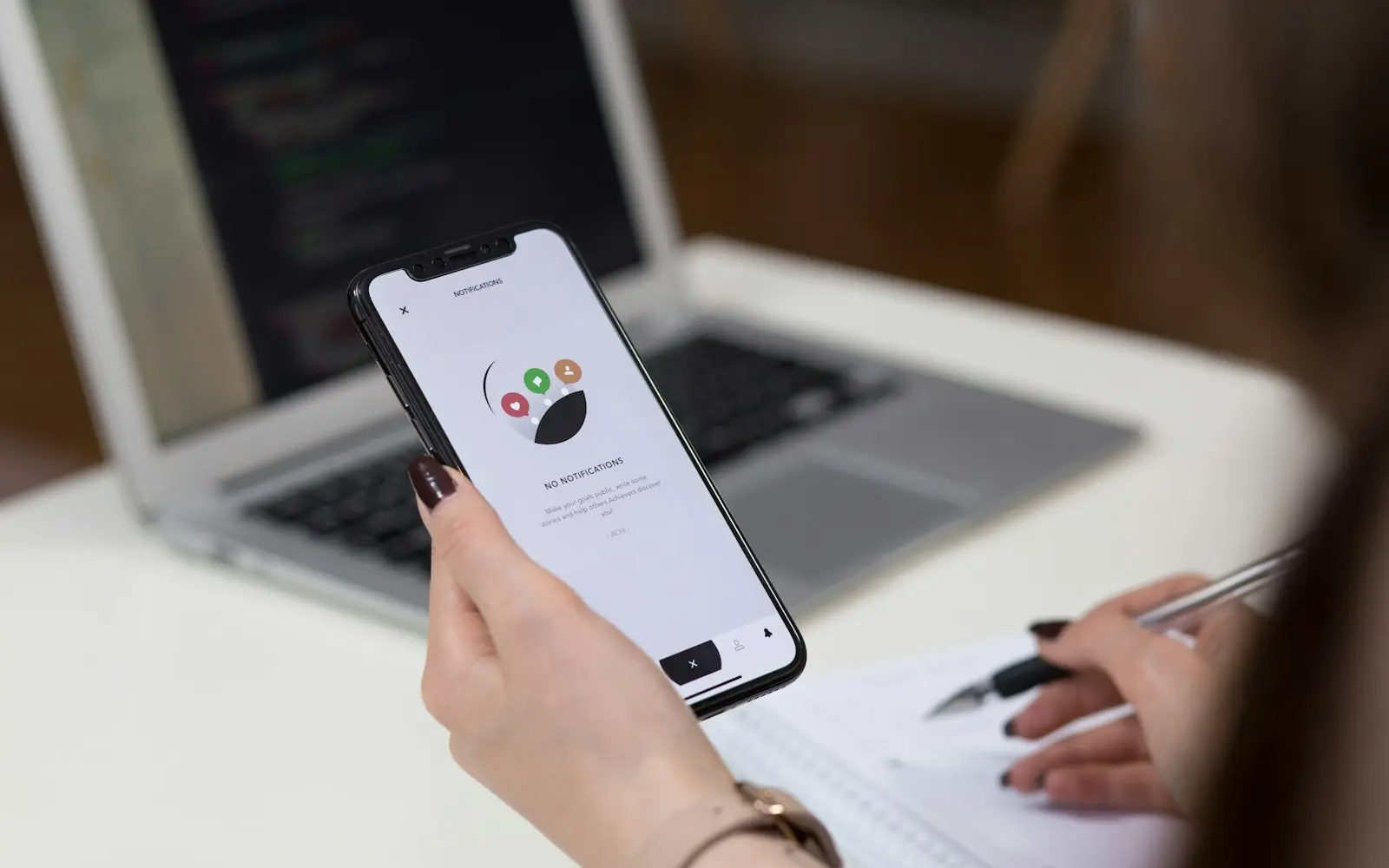
We build tools as LTI 1.3 providers so they support deep linking (an assignment launches the tool directly, at the right point in the content) and grade passback (a score entered in the tool posts to the LMS gradebook automatically). Single sign-on rides on the LMS session, so a teacher or student never sees a separate login screen for the tool.

Accessibility built in from the first component

Keyboard navigation, screen reader labeling and color contrast are built against WCAG 2.2 success criteria as components are built, not audited in afterward. This matters as much for procurement (many contracts require a VPAT or equivalent conformance statement) as it does for the students who actually rely on assistive technology to use the platform.

Technology

Technologies we typically use

FAQ

Education software FAQs

How long does it take to build an LMS with LTI 1.3 integration?

A working LMS core with LTI 1.3 launch, deep linking and grade passback typically takes three to five months. Timeline grows with the number of LMS platforms you need to support, since Canvas, Google Classroom and Schoology each have implementation quirks despite sharing the same standard.

Can you sync class rosters from PowerSchool automatically?

Yes, through Clever or ClassLink if your district already uses one of those rostering providers, or directly through OneRoster if it connects straight to PowerSchool. Either path removes the manual CSV upload districts otherwise repeat every semester.

Does our product need to comply with COPPA if it is used in schools?

If any user is under 13, COPPA applies regardless of whether a school or a parent is the one signing up the child. Schools can consent on behalf of parents for tools used strictly for educational purposes, but that consent has specific documentation requirements we build into the onboarding flow.

What accessibility standard do school and university buyers actually require?

Most require WCAG 2.2 Level AA conformance, often documented through a VPAT (Voluntary Product Accessibility Template), as part of the procurement process. We build to that standard from the first component rather than retrofitting it before a sales cycle.

Can an adaptive learning feature use student performance data for personalization?

Yes, within FERPA's limits: performance data can drive content sequencing and recommendations for educational purposes, but it cannot be repurposed for advertising or shared with third parties outside what FERPA and your data-sharing agreements permit.

Talk to us about your education project

Share a few details about your project. A senior engineer reviews every request and replies with next steps, questions, and a rough budget range.

Get a free project estimate