Mobile App Development · Education
Education Mobile App Development
Student and teacher apps built around district SSO, roster sync, and offline learning.
NDA on request · Free, no-obligation estimate · Reply within one business day

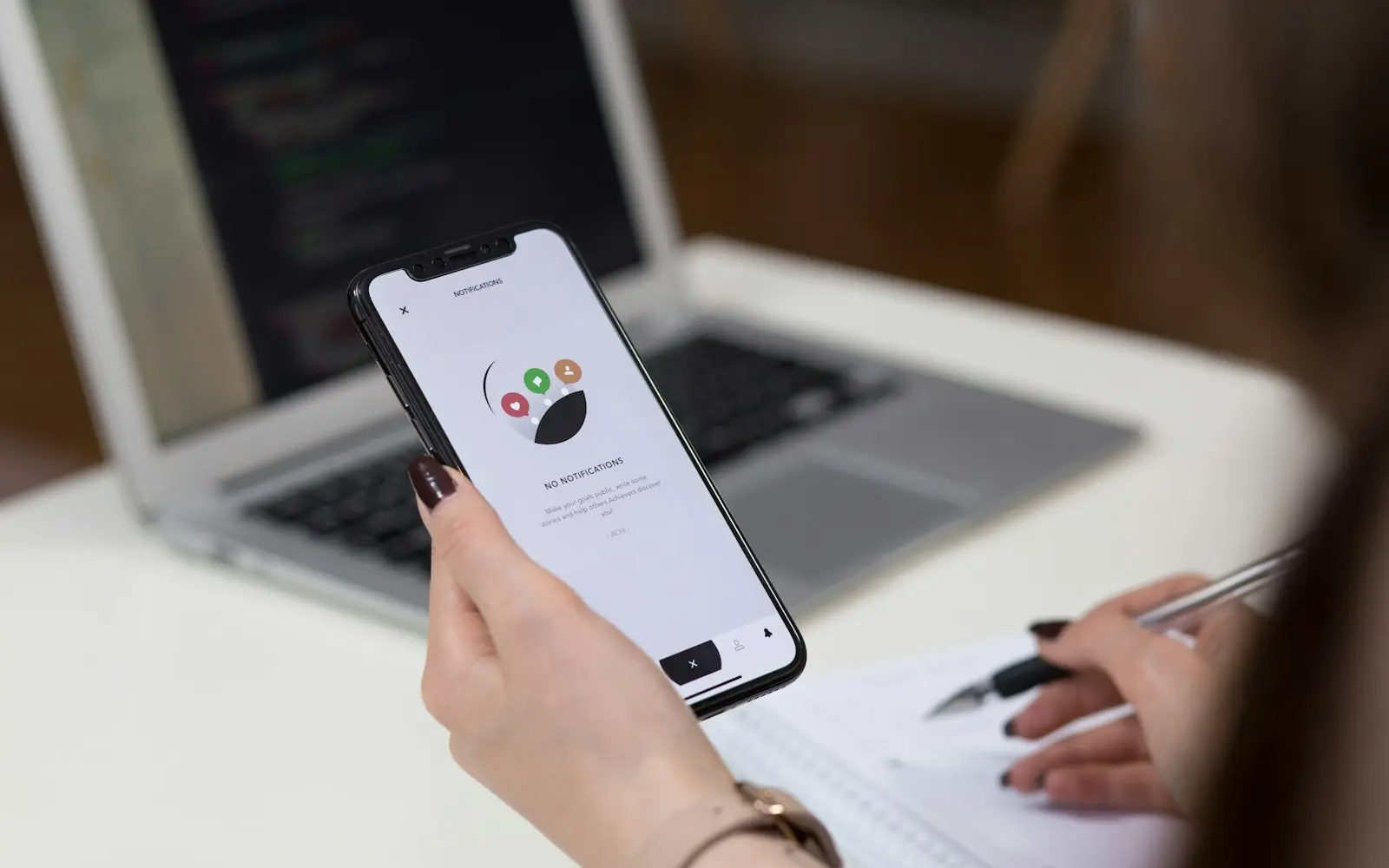
Education apps have two very different audiences under one roof: a student who wants the app to feel like the rest of their phone, and a district IT administrator who needs every account provisioned, rostered, and deleted through a single sign-on system without a single manual step. Getting the second audience wrong means the app never gets approved for a school's device fleet.
Roster syncing is the piece that trips up most builds. Schools provision accounts through Clever or ClassLink, and a class roster changes throughout the year as students transfer, so the app has to reconcile added and dropped students automatically rather than assume a static list. Where the app is aimed at younger students, COPPA changes what data can be collected and how consent has to be captured, and that decision has to shape the data model from the start.
We build the roster sync and identity layer first, since the content, quizzes, and progress tracking that make up the rest of the app all depend on knowing exactly which student is signed in and which class they belong to.
The problem
What makes education projects different
Roster data changes mid-year
Students transfer, drop, and get added to classes throughout the school year, and a sync that only runs at the start of term leaves the app showing rosters that no longer match reality.
Under-13 users trigger COPPA consent requirements
Apps aimed at elementary and middle school students need verifiable parental consent before collecting personal information, which changes the signup flow and what the app can store compared to a high school or higher-ed product.
Single sign-on has to work across multiple identity providers
Districts standardize on Clever, ClassLink, or Google Workspace for Education at different rates, and a school will hesitate to adopt an app that requires a separate login outside its existing SSO.
Offline use matters in schools with shared devices and weak Wi-Fi
Classroom Wi-Fi buckles under thirty devices streaming video at once, so lesson content and quiz submissions need to work offline and sync once the connection stabilizes.
Scope
Features we commonly build
Clever and ClassLink single sign-on
Student and teacher accounts provisioned through the district's existing identity provider instead of a separate login.
Automated roster sync
Class rosters that update automatically as students are added, dropped, or moved between sections mid-year.
Offline lesson and quiz mode
Content and assessments that download ahead of class and sync results once the device reconnects.
Progress dashboards for teachers and parents
Per-student progress views built from quiz and activity data, with a simplified summary for parent accounts.
COPPA-aware signup for younger students
Parental consent capture and reduced data collection for accounts flagged as under 13.
Push notifications for assignments and announcements
Reminders scoped to a student's actual class and due dates rather than a broadcast to every user.
Compliance and standards
- FERPA
- COPPA
- WCAG 2.2
- GDPR
Common integrations
- Google Classroom
- Canvas LMS
- Clever SSO
- Zoom SDK
- Stripe
Approach
How we run these projects
We build the identity and roster sync against whichever SSO provider the district already uses, since that decision determines how accounts get created, updated, and removed for the life of the app. Content and progress tracking are designed to run offline first, syncing opportunistically, since classroom connectivity is the most common point of failure we see in the field.
Districts procure software on academic-year timelines, so we plan releases around back-to-school and mid-year windows, with a pilot in one or two classrooms before a district-wide rollout.
Typical stack
Related solutions
Systems in this space
- Learning Management SystemsCourse delivery built around how your organization actually trains people, from a single certification path to a full multi-tenant platform.

- MVP DevelopmentWe turn a product idea into a working release built around the one thing you need to prove, not a shortened version of the whole vision.
FAQ
Frequently asked questions
How long does it take to build an education app with district SSO?
A student-facing app with Clever or ClassLink single sign-on, roster sync, and offline lesson mode typically takes four to six months. Adding parent-facing progress dashboards or grade passback to Canvas or Google Classroom adds four to eight weeks.
Does an education app need COPPA compliance?
If any user is likely to be under 13, yes. That means verifiable parental consent before collecting personal information and limits on what can be stored or shared, which we build into the signup flow and data model from the start.
Can the app sync grades back to Google Classroom or Canvas?
Yes, both platforms support grade passback through their respective APIs. We typically build this after the core roster sync is stable, since passback depends on the same class and assignment mapping the roster sync establishes.
How do you handle students without reliable Wi-Fi at home?
We design lesson content, quizzes, and progress tracking to work offline on the device, syncing results once the student reconnects at school or anywhere else with signal, so a spotty home connection doesn't block homework.
What happens when a student transfers classes mid-semester?
The roster sync picks up the change from the district's SIS or SSO provider on its next scheduled run and reassigns the student's content and progress history to the new class automatically.



Insights
Planning guides
- 7 min readFlutter or React Native for Your Next AppFlutter vs React Native compared on performance, native API access, team skills, and cost, so you can pick the right cross-platform framework.

- 7 min readHow Much Does Mobile App Development Cost?Mobile app development cost typically runs from $25,000 for a simple utility app to $300,000+ for a two-platform app with offline sync and payments.
Get an estimate for education mobile app development
Share a few details about your project. A senior engineer reviews every request and replies with next steps, questions, and a rough budget range.