Solution
Customer Portal Development
A place your customers log into to see their own orders, invoices, and support cases, connected to the systems that already hold that data.
NDA on request · Free, no-obligation estimate · Reply within one business day

A customer portal replaces the email thread and the phone call with a screen your customer can check at 11pm: their invoice history, the status of their order or case, the documents you sent them, and a way to raise a new request without waiting for a reply. The hard part is rarely the login screen. It is making the portal reflect data that already lives in an ERP, a CRM, a billing system, or a set of internal spreadsheets, without turning the portal into a second, conflicting copy of that data.
We build portals for companies selling to other businesses, where a single customer account often has several employees who need different access, and for companies serving individual consumers who mainly want their invoice, their case status, and a way to message support without opening a new channel.
Scope
Core features
Account dashboard
A single view of order status, open cases, and recent activity, pulled from the systems that already hold that data rather than duplicated into the portal.
Billing and invoice history
Past invoices, current balance, and payment status, with a self-serve option to pay a balance or update a card on file through the same gateway your finance team already uses.
Support case submission and tracking
Customers open a new case, attach files, and see its status without a phone call, and the case can sync into the support tool your team already works from.
Document exchange
Contracts, compliance documents, and shipping paperwork available for download, and a secure upload for documents the customer owes you, replacing email attachments.
Order or project status tracking
Real-time status pulled from the system of record, whether that is a warehouse management system, a project tracker, or an internal fulfillment queue.
Multi-contact access per account
For B2B accounts, more than one employee can log in under the same company account with different permissions, so a finance contact sees invoices and an ops contact sees order status.
Notification preferences
Customers choose what they get notified about and how, by email or SMS, instead of a fixed set of alerts that either spam them or miss what they actually care about.
Single sign-on for enterprise accounts
Larger customers can log in through their own identity provider instead of a separate password, which is often a hard requirement before an enterprise deal closes.
Architecture
Decisions that shape the build
The portal reads from systems of record, it does not replace them
Order data stays in the ERP, billing stays in the billing system, and the portal calls or syncs from those systems rather than becoming a second place where the numbers can drift apart.
Data segregation between customer accounts
Row-level access rules make sure one customer account can never see another's invoices or cases, enforced at the database layer rather than trusted to application code alone.
Single sign-on and identity federation
Enterprise customers often require SAML or OIDC login through their own identity provider, which needs to be planned for early since it affects the account and session model.
Handling company hierarchies, not just individual logins
B2B portals need an account model where a company can have several contacts with different roles, rather than treating every login as its own isolated customer.
Audit logging for regulated data
Where invoices, contracts, or health and financial information pass through the portal, every view and download gets logged, since that record is often what a compliance review asks for.
Build vs buy
When to build and when to buy
Zendesk, Salesforce Experience Cloud, and HubSpot's customer portal are strong choices when the portal is primarily about support tickets and you already run your business on that CRM, since the portal comes largely pre-built against data already in the platform. They get expensive and awkward once the portal needs to expose data from systems those platforms do not natively model well, like a custom order pipeline, project status from an internal tool, or account-specific pricing.
Custom development is the better call when the portal has to surface data from more than one backend system in one view, when per-seat licensing on an off-the-shelf platform gets expensive at your customer count, or when the portal is closely tied to your brand experience and retention rather than a support add-on.
Delivery
How delivery is phased
Map source systems and identity requirements
We identify every system the portal needs to read from or write to, including the CRM, billing tool, and any internal systems, and confirm how enterprise customers will authenticate.
Design the account and access model
The account hierarchy, roles per contact, and data segregation rules get designed before any screen is built, since retrofitting access control later is expensive.
Build the core self-service flows
Account dashboard, billing, case submission, and document exchange get built against the real source systems. This typically runs several weeks depending on how many systems are involved.
Harden access control and launch
Access rules get tested against edge cases like a departed employee or a merged account, then the portal rolls out to a pilot group of customers before a full launch.
Technology
Typical stack
FAQ
Customer Portal Development FAQs
Can a customer portal integrate with our existing CRM or ERP?
Yes, and it should. The portal reads order, billing, and case data from the systems you already run rather than duplicating it, using APIs or a sync layer against your CRM, ERP, or billing platform so the numbers a customer sees always match what your team sees.
Do we need a custom portal or is Zendesk's customer portal enough?
If the portal is mainly about support tickets and you already run on Zendesk or Salesforce, their built-in portals are usually the faster and cheaper option. Custom development makes sense once the portal needs to show order or project data those platforms do not model natively.
How do we let multiple employees from one customer company log in?
The account model treats the company as the primary account with individual contacts underneath it, each with their own login and a role, such as billing or operations, that controls what they can see and do inside that shared account.
How do you handle single sign-on for enterprise customers?
The portal supports SAML or OIDC login against the customer's own identity provider, configured per enterprise account, so their employees use their existing corporate credentials rather than a separate password for your portal.
What data should live in the portal versus the backend system of record?
The system of record, whether that is your ERP, CRM, or billing platform, stays the single source of truth. The portal is a read and limited-write surface on top of it, not a second database that can drift out of sync with the backend.
Services
Services involved
- CRM DevelopmentWe build the system that tracks a customer from first contact through renewal, whether that means a custom CRM or extending Salesforce, HubSpot or Dynamics.

- Custom Software DevelopmentWe build software around the processes your business already runs on, so operations stop depending on spreadsheets, workarounds and tools that were never built for your workflow.
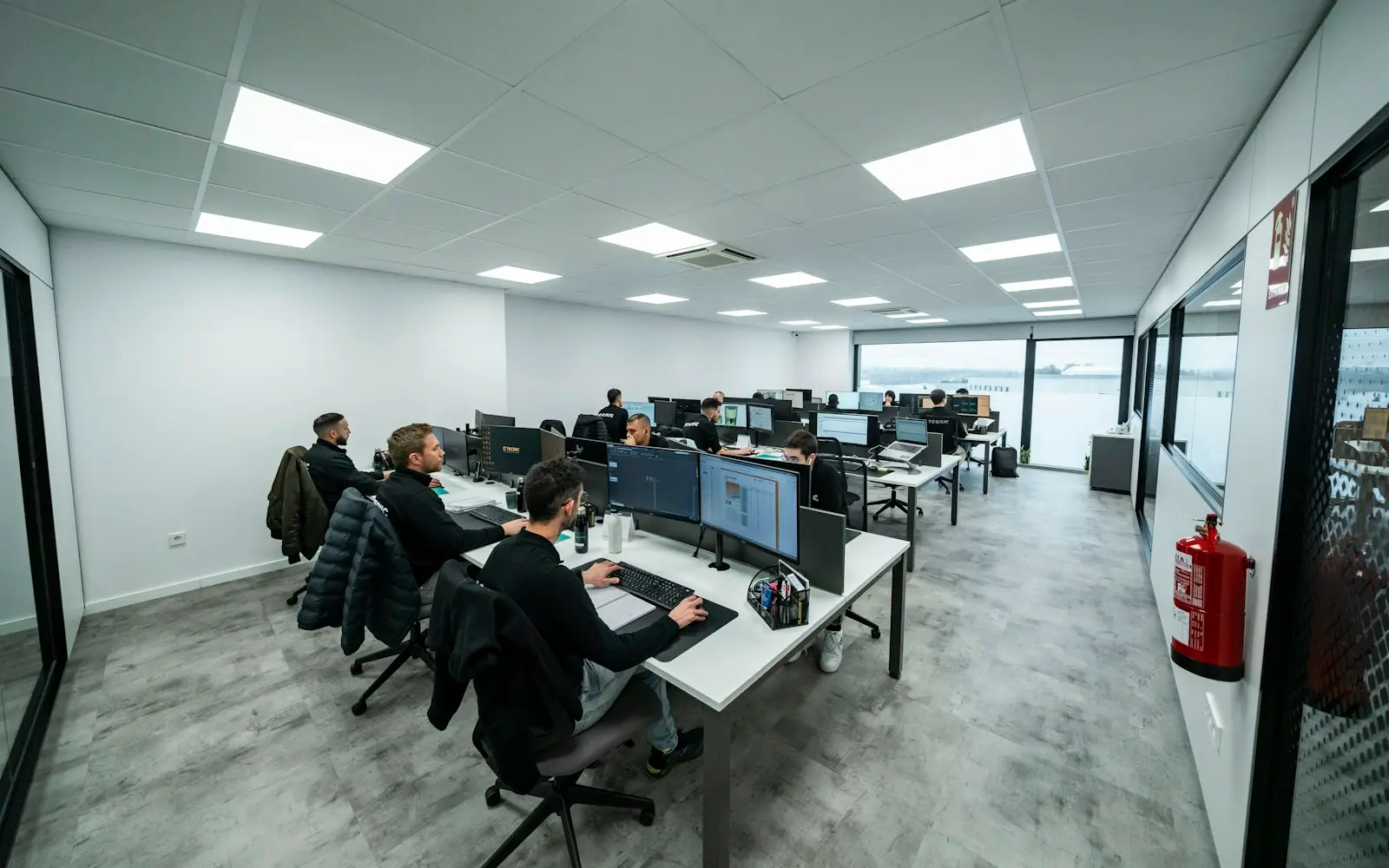
- Web Application DevelopmentWe build the logged-in side of your product: dashboards, portals and workflow tools that handle real data volume, real permissions and real concurrent users.
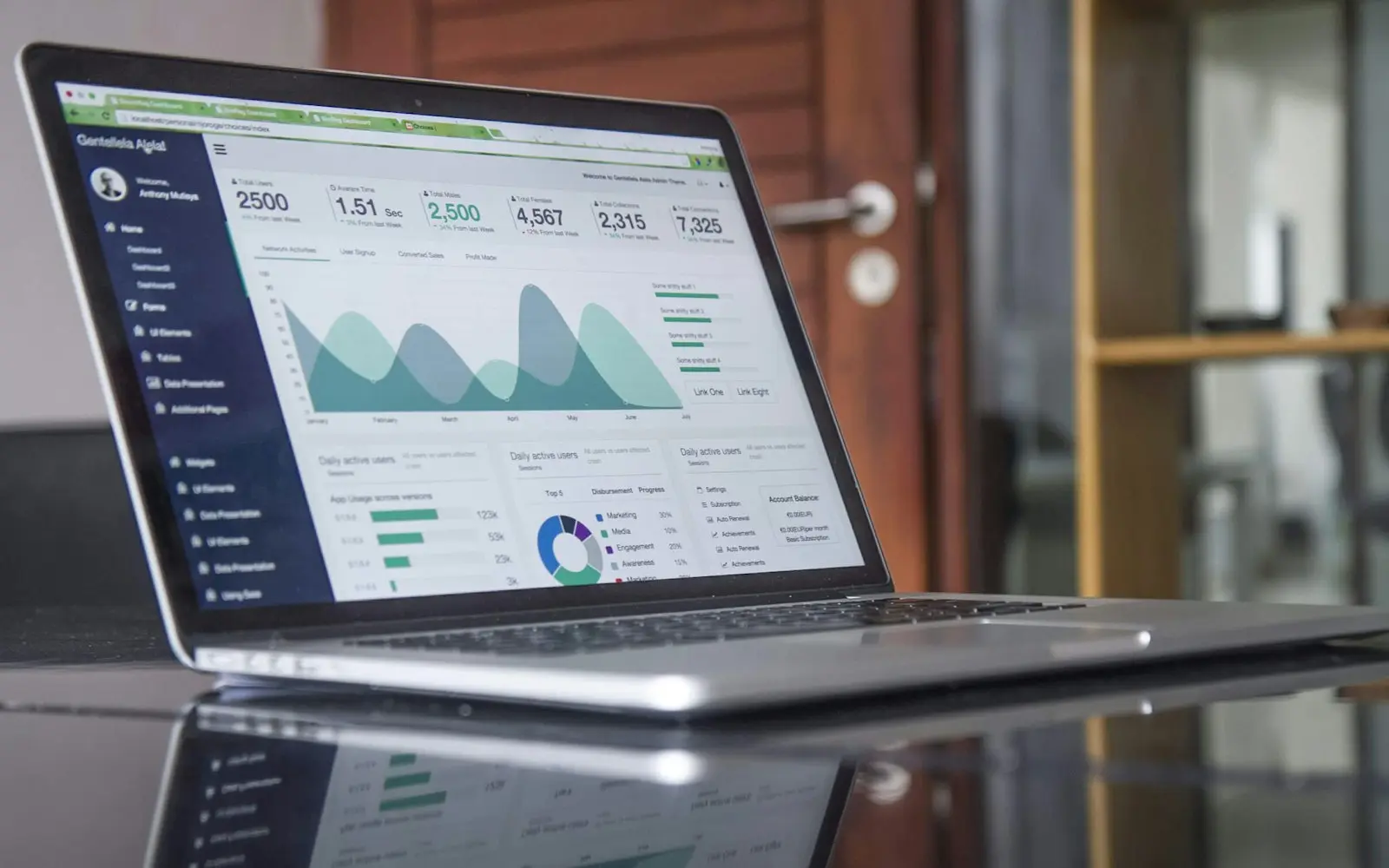
- UI/UX DesignResearch, flows and prototypes tested against real users, handed to engineering as a working Figma design system instead of a static file.

By industry
Customer Portal Development built for specific industries
- Insurance Customer Portal DevelopmentA policyholder portal built around claims, coverage, and payment, the three reasons a customer actually logs in.

- Law Firm Client Portal DevelopmentPrivileged messaging, trust account visibility, and matter status in one place, so case updates stop living in an email thread.

Industries
Industries that commission this
- Professional ServicesEngagement management, time tracking, and client portals built around the way consulting and advisory firms actually bill for their time.

- InsurancePolicy administration, claims and underwriting software that speaks ACORD to carriers, MGAs and agents on the first integration attempt.
- Logistics & Supply ChainFreight, warehouse and fleet software that speaks EDI 204/214/210 to your trading partners and stays accurate in the field.

- LegalMatter management, document automation and conflict checking with privilege, retention rules and trust accounting designed in from the start.
Insights
Planning guides
- 6 min readHow Much Does Custom CRM Development Cost?Custom CRM development cost typically ranges from $40,000 for a focused pipeline tool to $250,000+ for a multi-team platform with automation and reporting.

- 7 min readCustom CRM Development vs SalesforceCustom CRM vs Salesforce compared honestly on setup speed, per-seat cost at scale, customization ceiling and which one actually fits your sales process.

- 7 min readCustom Development vs No-Code ToolsCustom development vs no-code tools compared on speed, cost at scale, and where each one actually holds up as your workflow gets more complex.

Discuss your customer portal development project
Share a few details about your project. A senior engineer reviews every request and replies with next steps, questions, and a rough budget range.