Mobile

Swift iOS App Development

Direct access to Apple's frameworks, for products where the iOS experience is not something to approximate.

NDA on request · Free, no-obligation estimate · Reply within one business day

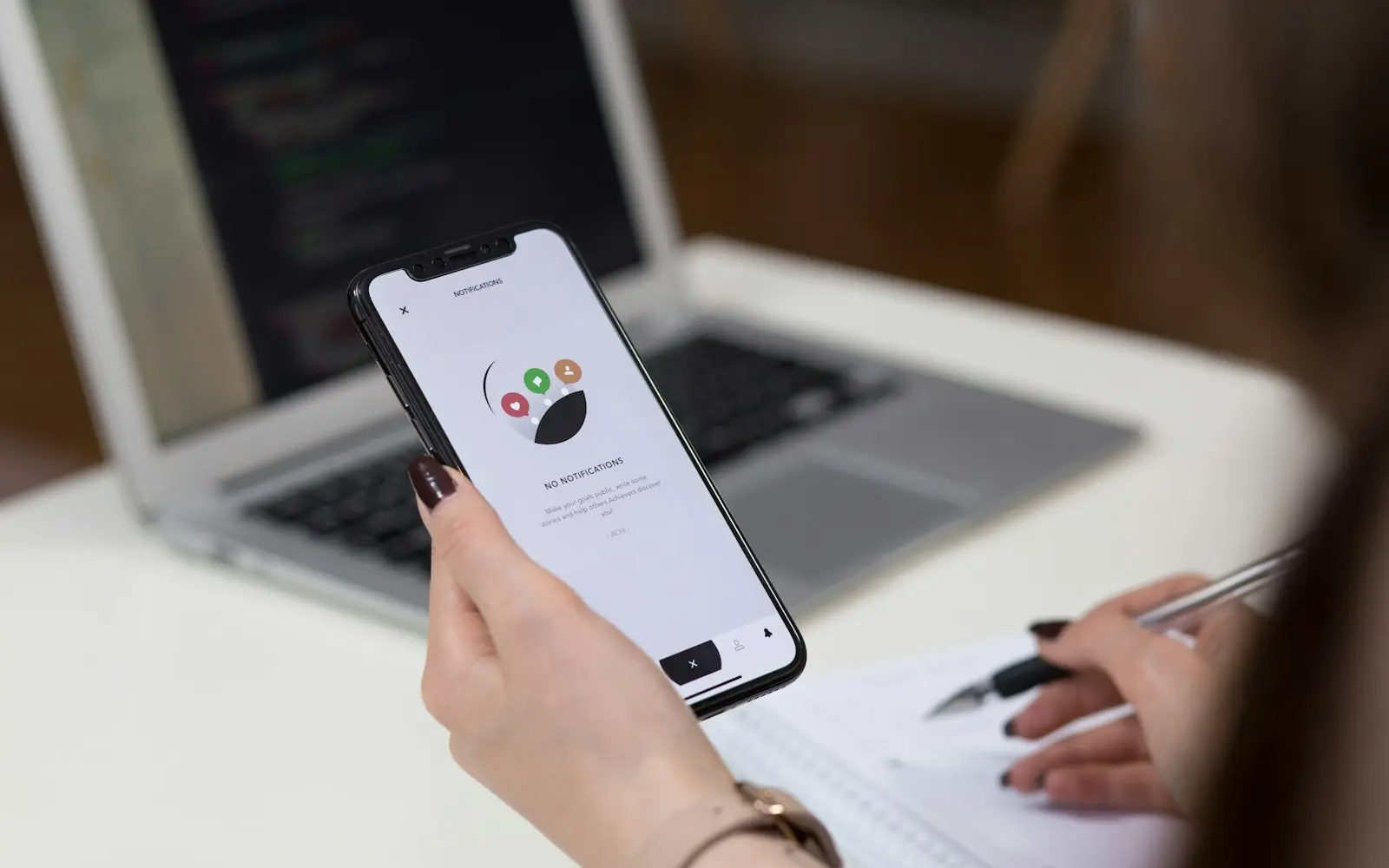
Person holding a smartphone with an app open beside a laptop and notebook
NDA before discovery
You own the code and IP on payment
Code in your repository from day one
A working demo every two weeks
Senior engineers do the work
How we work

Swift and SwiftUI give an app direct, first-party access to every Apple framework the moment it ships, rather than waiting on a cross-platform tool's wrapper to catch up: ARKit, HealthKit, Apple Pay, widgets, Live Activities and whatever Apple introduces at its next developer conference. SwiftUI's declarative syntax has matured into a genuinely productive way to build iOS interfaces, closing most of the development-speed gap that used to favor cross-platform tools for straightforward apps.

We build natively in Swift when the iOS experience itself is part of the product's value: an app that needs to feel indistinguishable from Apple's own apps, one that leans on a platform feature the day it launches, or one where performance headroom for something graphics- or computation-intensive matters more than sharing a codebase with Android. For products that need both iOS and Android and do not have that specific requirement, we more often recommend Flutter or React Native, and say so directly rather than defaulting to native for every mobile project.

Fit

When Swift (iOS) is the right choice, and when it is not

Good fit

  • The product's iOS experience needs to feel exactly native: standard system interactions, platform conventions and animation timing that iOS users notice when an app gets them slightly wrong
  • You need deep integration with Apple frameworks (ARKit, HealthKit, Apple Pay, widgets, Live Activities) on release day rather than waiting for cross-platform tooling to catch up
  • The app is graphics- or computation-intensive (camera processing, on-device machine learning, complex animation) where native performance headroom matters
  • iOS is the only or clearly primary platform for this product, removing the main reason to pay a cross-platform tool's tradeoffs at all

Consider something else

  • The budget and timeline call for a single app covering both iOS and Android without a strong platform-specific requirement driving native development; Flutter or React Native reach both platforms from one codebase for meaningfully less cost
  • The app is a simple, content-driven product that could function as a well-built website or progressive web app; going native for something that does not need platform-specific capability adds ongoing App Store maintenance for little benefit
  • The team plans to maintain feature parity between iOS and Android closely and does not want two separate codebases (Swift and Kotlin) evolving independently and potentially drifting
  • The project is an early-stage MVP where speed to a testable version across both platforms outweighs platform-native polish at this stage

What we build

What we build with Swift (iOS)

  • SwiftUI interface development

    Declarative UI built with SwiftUI, using Apple's own component library and animation system for interfaces that follow current iOS design conventions by default.

  • Deep Apple framework integration

    ARKit for augmented reality, HealthKit for health data, Apple Pay for payments, and WidgetKit or ActivityKit for home screen widgets and Live Activities, integrated with first-party support from day one.

  • Performance-critical and graphics-intensive apps

    Apps doing camera processing, on-device machine learning through Core ML, or custom rendering where native performance headroom matters more than cross-platform code sharing.

  • App Store optimized releases

    Release management aligned with App Store review requirements, TestFlight beta distribution, and platform-specific privacy and permission handling.

Ecosystem

Libraries and tools we pair it with

  • SwiftUI for declarative interface development
  • Combine or async/await for reactive and asynchronous code
  • Core Data or SwiftData for local persistence
  • Core ML for on-device machine learning
  • XCTest and XCUITest for unit and UI testing
  • TestFlight for beta distribution
  • Swift Package Manager for dependency management

SwiftUI versus the older UIKit approach

UIKit, Apple's original imperative UI framework, is still present in many existing iOS codebases and remains fully supported, but SwiftUI's declarative model, describing what the UI should look like for a given state rather than issuing step-by-step commands to update it, has become the framework we default to for new screens. It reduces the class of bugs where UI state and displayed state drift apart, since SwiftUI recomputes the view from state automatically.

For an existing UIKit application, we do not recommend a wholesale rewrite; SwiftUI interoperates with UIKit directly, so new screens can be built in SwiftUI while existing UIKit screens continue working, and a team migrates opportunistically as screens get touched for other reasons.


Deciding between native iOS and a cross-platform approach

The decision comes down to what the product actually needs from the platform, not a general preference for native or cross-platform. An app that leans on Apple-specific hardware or frameworks, needs to feel indistinguishable from Apple's own apps, or has a performance-critical workload benefits from native development in a way a cross-platform layer cannot fully replicate.

An app whose primary requirement is reaching iOS and Android users with consistent features and a reasonable budget usually gets there faster and cheaper with Flutter or React Native, and going native in that case mainly doubles engineering cost for a benefit most users of that specific app will not notice. We walk through this tradeoff with every mobile client before recommending a platform approach, rather than defaulting to native because it is more technically impressive to build.

  • Native fits products where platform-specific capability or feel is the actual requirement
  • Cross-platform fits products where reaching both platforms efficiently is the requirement
  • The right call depends on the product's specific needs, not a general preference either way

FAQ

Swift (iOS) FAQs

Do we need a native iOS app in Swift, or would React Native or Flutter work?

It depends on whether the product needs something platform-specific: deep Apple framework integration on release day, exact native feel, or performance headroom for graphics or computation-heavy features. Without one of those requirements, a cross-platform framework typically reaches both iOS and Android for meaningfully less cost.

Is SwiftUI mature enough to build a full app on now?

Yes, for the large majority of app interfaces. SwiftUI has matured significantly since its introduction and covers standard navigation, lists, forms and animation well. A small number of highly specialized interactions still sometimes drop down to UIKit, and SwiftUI interoperates with UIKit directly when that is needed.

Can an existing UIKit app add SwiftUI without a rewrite?

Yes, SwiftUI and UIKit interoperate directly, so new screens can be built in SwiftUI while existing UIKit screens keep working unchanged. We typically recommend this incremental approach over a full rewrite, migrating screens as they come up for other work rather than as a dedicated project.

How long does App Store review typically take for a native Swift app?

Apple's review process usually takes a few days for a standard submission, though it varies with app complexity and whether the app touches sensitive categories like health data or payments, which draw closer scrutiny. We build review time and potential resubmission cycles into project timelines rather than treating submission as the final step.

Does a native Swift app perform better than a cross-platform app?

For graphics-intensive, computation-heavy or animation-heavy workloads, generally yes, since there is no cross-platform rendering or bridging layer between the code and the platform. For a typical business app UI, the practical difference has narrowed significantly as both React Native and Flutter have matured their rendering pipelines.

Talk to a Swift (iOS) developer

Share a few details about your project. A senior engineer reviews every request and replies with next steps, questions, and a rough budget range.

Get a free project estimate