Commerce & CMS

WordPress Development Company

We build custom WordPress sites that editors can actually run themselves, without a developer for every content change.

NDA on request · Free, no-obligation estimate · Reply within one business day

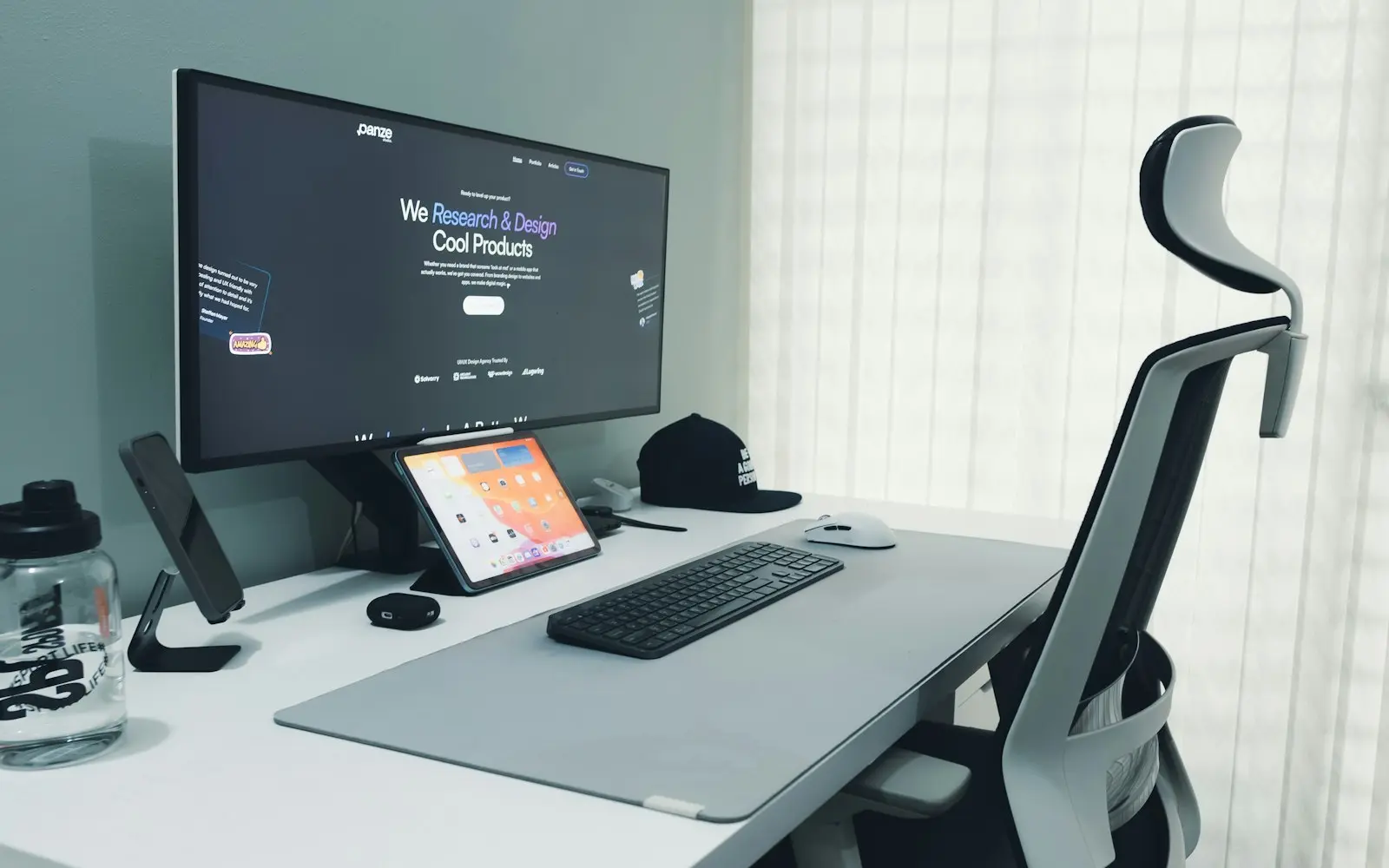
Wide monitor showing a website on a bright desk with an ergonomic chair
NDA before discovery
You own the code and IP on payment
Code in your repository from day one
A working demo every two weeks
Senior engineers do the work
How we work

WordPress still runs a large share of the web for a straightforward reason: it gives non-technical editors real control over content without a developer in the loop for every change, while remaining open enough for developers to build almost anything on top of it. As a wordpress development company, we build custom themes and plugins rather than stacking page builders on top of a generic template, which keeps sites faster and easier to maintain over time.

We also build headless WordPress, using it purely as a content backend through WPGraphQL or the REST API while a separate frontend, often Next.js, handles rendering. This fits organizations that want WordPress's editing experience for content teams but need frontend performance or architecture that a traditional WordPress theme can't deliver.

A meaningful part of our WordPress work is ongoing: keeping core, themes and plugins updated, monitoring for the security issues that come from WordPress's massive plugin ecosystem, and fixing performance problems that accumulate as a site's content and traffic grow.

Fit

When WordPress is the right choice, and when it is not

Good fit

  • You need a content-heavy marketing site or blog where editors update pages and publish content regularly without developer involvement.
  • You want the largest available ecosystem of themes, plugins and developers to draw from for a reasonable budget.
  • You are building on a budget where a fully custom application would cost more than the project's content and functionality needs justify.
  • You want a headless content backend with WordPress's mature editing experience, paired with a modern frontend framework for performance and design control.

Consider something else

  • A product with complex business logic, user accounts and application state, rather than primarily content, is usually better served by custom software than by forcing that logic into WordPress's content model.
  • E-commerce at meaningful scale, with complex catalog logic or high transaction volume, is often a better fit for Shopify or a dedicated commerce platform than WooCommerce on WordPress.
  • Sites needing enterprise-scale personalization or a fully decoupled architecture from day one may be better served designing a headless build from the start rather than starting with a traditional theme and migrating later.
  • Organizations without a plan for ongoing updates and security monitoring take on real risk, since WordPress's popularity makes it a frequent target for automated attacks against outdated installations.

What we build

What we build with WordPress

  • Custom theme development

    Themes built specifically for a site's design and content structure, rather than a generic theme customized with a page builder, which keeps markup clean and performance predictable.

  • Custom plugin development

    Plugins for functionality specific to a client's business, built against WordPress's hook and filter system so they survive core and theme updates without conflicts.

  • Advanced Custom Fields

    Structured custom fields that give editors precise control over page layout and content blocks without touching code, while keeping the underlying data structured for developers to use elsewhere.

  • Gutenberg block development

    Custom blocks for the WordPress block editor, giving editors reusable, on-brand components rather than open text fields that are easy to format inconsistently.

  • Headless WordPress

    WordPress as a content backend through WPGraphQL or the REST API, paired with a separate frontend framework for teams that need more control over rendering and performance.

  • Performance and security hardening

    Caching configuration, image optimization, and reducing plugin bloat, along with security hardening and a maintenance plan to keep core and plugins current.

Ecosystem

Libraries and tools we pair it with

  • Advanced Custom Fields
  • WPGraphQL
  • WP-CLI
  • Elementor
  • WP Engine
  • Yoast SEO
  • Gutenberg

Headless WordPress Versus Traditional Theming

Traditional WordPress theming is faster to launch and keeps everything, content, rendering and hosting, in one system that a single team can manage. It remains the right default for most marketing sites, blogs and small business sites where editorial speed matters more than frontend architecture.

Headless WordPress separates content management from rendering: editors still use WordPress's familiar editing experience, but a separate frontend, typically built in Next.js, queries content through WPGraphQL and handles all rendering and performance optimization itself. We recommend this when a site needs frontend capabilities, complex interactivity, tight performance budgets, or a design system shared with other applications, that a traditional WordPress theme struggles to deliver.

WordPress Security and Maintenance at Scale

Most WordPress security incidents we see trace back to an outdated plugin or theme rather than a flaw in WordPress core itself. The platform's popularity and its enormous plugin ecosystem make it a common, automated target, which makes ongoing maintenance a real requirement rather than an optional add-on.

We set up staged update workflows, so plugin and core updates are tested before reaching production, along with monitoring that flags outdated components and unusual login activity. For sites with real traffic and business value, we treat this as ongoing work throughout the site's life, not a one-time hardening pass at launch.

  • Test plugin and core updates in staging before production
  • Monitor for outdated plugins and unusual login activity
  • Limit installed plugins to what the site actually uses

FAQ

WordPress FAQs

Is WordPress still a good choice for a new business website, or is it outdated?

WordPress remains a strong choice for content-heavy marketing sites, giving editors real control over publishing without needing a developer for routine changes, while its plugin ecosystem covers most common functionality needs. It is not the right choice for a product with complex application logic, where custom software or a dedicated framework serves the business better.

What is headless WordPress, and do we need it?

Headless WordPress uses WordPress purely as a content backend, with a separate frontend framework handling rendering, typically queried through WPGraphQL. You need it if a traditional WordPress theme can't deliver the frontend performance, interactivity or design system your site requires; for a standard marketing site or blog, traditional theming is usually simpler and sufficient.

How do you keep a WordPress site secure over time?

We keep core, themes and plugins updated on a regular schedule, test updates in a staging environment before applying them to production, and monitor for unusual login activity. We also limit the number of installed plugins to what the site genuinely uses, since each additional plugin is another potential point of vulnerability.

Can WordPress handle a site with hundreds of pages and heavy traffic?

Yes, with the right caching, hosting and database optimization. Sites with large content volumes and significant traffic run well on WordPress when object caching, a CDN and properly configured page caching are in place; problems typically come from unmanaged plugin bloat or hosting that isn't sized for the traffic, not from WordPress itself.

Should we use a page builder like Elementor, or build a custom theme?

Page builders are useful for a small site with a limited budget and simple layout needs, but they tend to add markup bloat and performance overhead as a site grows, and can make long-term maintenance harder for a developer who didn't build the original pages. For sites where performance and long-term maintainability matter, we generally recommend a custom theme with Advanced Custom Fields for structured content instead.

Talk to a WordPress developer

Share a few details about your project. A senior engineer reviews every request and replies with next steps, questions, and a rough budget range.

Get a free project estimate